
Last updated 05-06-2026
Category:
Reviews:
Join thousands of AI enthusiasts in the World of AI!
Veo 4 AI
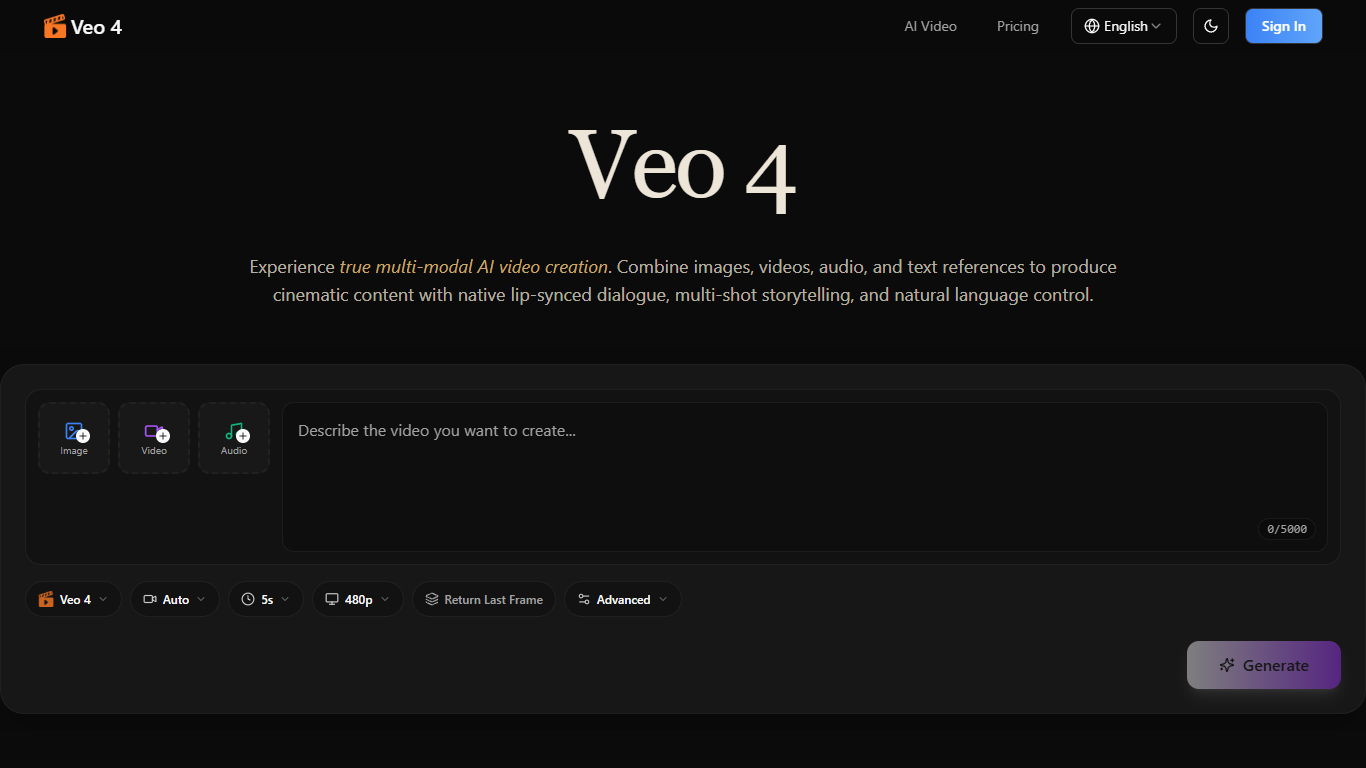
Veo 4 AI is an AI-powered video creation tool that allows users to produce cinematic videos by combining multiple types of media inputs such as text, images, video clips, and audio files. It supports multi-modal input, enabling creators to mix and match assets freely to express their creative vision. The platform is designed for a wide range of users, including marketers, educators, storytellers, social media creators, and professionals in real estate and architecture.
One of Veo 4's standout features is its ability to reference any uploaded content, including motion, camera movements, characters, scenes, and sounds, using natural language commands. This makes it easy to replicate complex choreography, cinematic camera moves, and visual effects without needing detailed prompts. The tool also generates native audio, including lip-synced dialogue, Foley effects, and background music, eliminating the need for separate audio editing.
Veo 4 supports multi-shot storytelling, allowing users to create logical sequences of scenes with consistent characters, outfits, and lighting across cuts. This ensures cohesive narratives without manual stitching. The platform maintains superior consistency in faces, clothing, text, and visual styles throughout the video, preventing character drift or style breaks.
Users can extend and edit existing videos by merging clips, replacing characters, or modifying actions while preserving the rest of the content. The output is production-grade cinematic quality, ready for various formats including landscape and portrait. Veo 4 caters to diverse creative needs, from viral social media content and advertising to educational materials and film pre-visualization.
Technically, Veo 4 leverages multi-modal AI models that understand and integrate various media types and natural language instructions. This allows for precise control over video elements and seamless synchronization of audio and visuals. The platform's design emphasizes ease of use, enabling creators to upload assets, describe their vision in natural language, and generate or iterate on cinematic videos efficiently.
🎥 Multi-modal input: Combine images, videos, audio, and text for creative freedom
🗣️ Native audio: Generate lip-synced dialogue and background music automatically
🎬 Multi-shot storytelling: Create consistent scenes with stable characters and lighting
🔄 Video extension & editing: Seamlessly extend or modify existing videos
🎯 Precise motion replication: Copy complex choreography and camera moves easily
Supports multiple media types in one project for versatile video creation
Maintains consistent characters and styles across multi-shot sequences
Generates synchronized audio including dialogue and sound effects natively
Enables precise replication of camera movements and choreography from references
Allows smooth editing and extension of existing videos without full regeneration
No explicit mention of a free or freemium plan available
Limited details on supported video lengths and resolutions in the content
Pricing details are not fully disclosed, requiring contact for specifics
What types of inputs does Veo 4 support for video creation?
Veo 4 supports multiple input types including images, video clips, audio files, and text references to create cinematic videos.
Can I generate audio directly within Veo 4?
Yes, Veo 4 generates native audio including lip-synced dialogue, Foley effects, and background music without needing extra tools.
How does Veo 4 maintain consistency across multiple video shots?
Veo 4 keeps faces, clothing, lighting, and visual styles consistent across scenes to ensure cohesive multi-shot storytelling.
Is it possible to edit or extend existing videos with Veo 4?
Yes, you can smoothly extend videos, merge clips, or edit specific segments while preserving the rest of the content.
Can Veo 4 replicate complex camera movements and choreography?
By uploading a reference video, Veo 4 can replicate intricate camera moves and action sequences without detailed prompts.
Are there any watermarks on videos generated by Veo 4?
The content does not specify watermark policies, so users should check directly with Veo 4 for details.
How do I start creating videos with Veo 4?
Upload your assets, describe your vision using natural language, and generate your cinematic video with native audio and multi-shot scenes.