
Last updated 07-27-2026
Category:
Reviews:
Join thousands of AI enthusiasts in the World of AI!
Vidofy AI
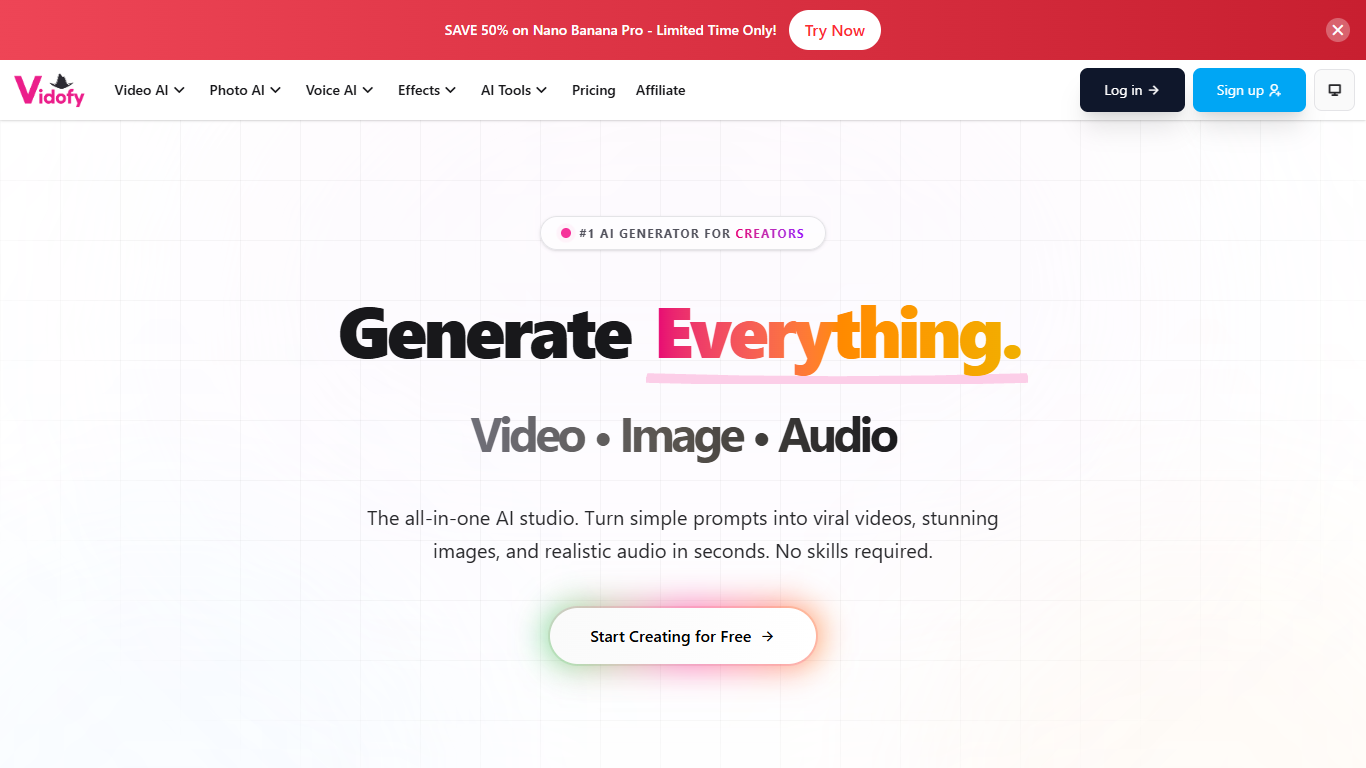
Vidofy AI brings text-to-video, image-to-video, lip sync, text-to-image, voice cloning, and related modes into one browser studio. You pick from a library of third-party models instead of being tied to a single vendor engine. Inputs can be a text prompt, still image, reference frame, audio clip, or existing video depending on the mode you open. The homepage groups tools under Video AI, Photo AI, and Voice AI with dedicated studios for each workflow.
Standalone subscriptions for Kling, Runway, Midjourney, or Sora each bill separately and keep your work split across accounts. Vidofy routes generations through one shared credit wallet across 400+ premium models, so the same balance pays for a Veo 3.1 clip, a Flux still, or a cloned voiceover. That aggregator model fits creators who want to compare outputs side by side rather than commit to one model family for every project. The cost trade-off is per-run credit burn that swings from about 14 credits on Grok Imagine 1.5 up past 1,000 on high-end options like Veo 2.
Social producers, marketers, and short-form editors use Vidofy to draft Reels, TikToks, and product clips without exporting between separate apps. The text-to-video studio alone lists 62 active models with clip lengths from 3 to 30 seconds and ten aspect ratios including 9:16 and 16:9. Paid tiers raise parallel task limits to 10 on Professional and 35 on Ultra, which matters when you batch variations for client review. A public creator gallery and 400+ effect templates add ready-made starting points when you need scroll-stopping motion fast.
Shared credits span 400+ video, image, and audio models, including Kling 3.0, Runway Gen 4.5, Sora 2, Veo 3.1, Flux, and Midjourney
Text-to-video lists 62 active models with clips from 3 to 30 seconds and ten aspect ratios
Lite plan includes 800 credits per month; Professional includes 2,000 monthly credits and 10 parallel tasks
Lip sync, reference-to-video, video-to-video, and first-to-last-frame modes sit beside core generators
400+ viral video and photo effect templates target TikTok, Reels, and Shorts workflows
Voice cloning and text-to-speech run in the same dashboard as video and image tools
Access Kling, Runway, Sora, Veo, Flux, Midjourney, and dozens more from one dashboard
Swap video, image, and audio tools without leaving the browser studio
One-time credit top-ups never expire even if you cancel a subscription
400+ effect templates speed up short-form social content
Credits vary widely by model; Veo 2 text-to-video can cost 1,031+ credits per run
Subscription credits reset each billing cycle and do not roll over
Affiliate commissions apply to first subscriptions only, not renewals or upgrades
Is Vidofy AI free to use?
Vidofy AI offers a free plan you can start from the signup page, plus optional subscriptions and one-time credit packs. Paid tiers add faster generation, watermark-free exports, private video visibility, and higher parallel task limits. Credits are shared across every model in the studio.
How much does Vidofy AI cost?
Vidofy AI sells Lite at $8.99 per month, Professional at $19.99 per month, and Ultra at $99.99 per month when billed monthly. Yearly billing drops those rates to $6.99, $14.99, and $79.99 per month respectively. One-time credit packs are also available without a subscription.
What video models does Vidofy AI support?
Vidofy AI exposes dozens of video engines in one interface, including Kling, Runway, Sora 2, Google Veo, Hailuo, PixVerse, Luma, Seedance, and Vidu. The text-to-video studio tracks 62 active generation models with different credit costs and quality tiers. Model pages also cover image-to-video, lip sync, and video-to-video workflows.
How do Vidofy AI credits work?
Vidofy AI deducts credits based on the model, clip duration, output resolution, and number of generations you request. Subscription credits refresh each billing cycle and do not roll over, while one-time top-up packs stay in your account permanently. You can buy extra credits from the Billing dashboard without upgrading plans.
Can Vidofy AI sync lips to audio?
Yes, Vidofy AI includes a dedicated lip sync studio that matches mouth movement in video to uploaded speech or audio. The Video AI menu lists lip sync alongside text-to-video, image-to-video, and reference-to-video tools. Upload limits support MP3 or WAV audio up to 25 MB per file.
Does Vidofy AI offer voice cloning?
Yes, Vidofy AI offers voice cloning under Voice AI, letting you build a custom voice from audio samples for later text-to-speech runs. Text-to-speech is listed as a separate studio mode for standard narration. Both voice tools share the same account credits as video and image generation.
Who operates Vidofy AI?
Vidofy AI is operated by Youcha LLC, a company registered in New Mexico, United States. The About page lists [email protected] for company questions. Support requests go through the contact form with Billing, General Inquiry, or Technical Support departments.