
Last updated 07-27-2026
Category:
Reviews:
Join thousands of AI enthusiasts in the World of AI!
VO4 AI Video
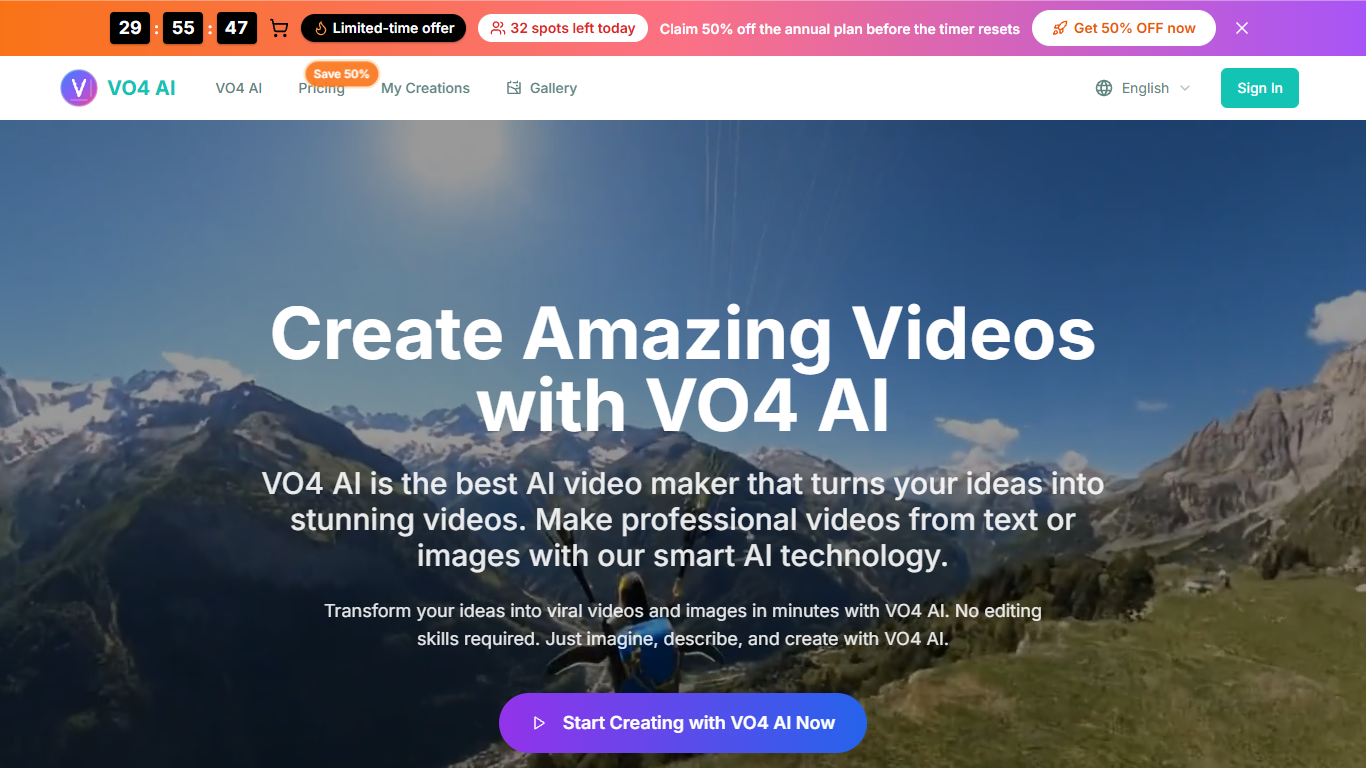
Turn text prompts or uploaded images into short video clips entirely in your browser with VO4 AI Video. You pick an aspect ratio, resolution up to 4K, and a length of 5 or 10 seconds, then download the result without installing editing software. The main workflow on vo4ai.org covers text-to-video, image-to-video, and photo-to-video from one form. Each generation on that workflow costs 160 credits.
Most timeline editors expect you to cut footage, add layers, and export yourself. VO4 AI routes jobs through Google VEO 4 with synchronized audio and stable scene motion, so you choose format and duration before rendering. That narrow focus suits quick social clips and product motion more than long-form storytelling.
Marketers and social creators use it for product showcases, ad concepts, and animated stills when they need motion fast. The pricing page lists Basic for individual creators, Professional for pros, and Business for teams with larger yearly credit pools. Site testimonials highlight e-commerce managers and motion designers turning product photos into shareable posts.
Google VEO 4 model option with synchronized audio and stable scene motion
Creates 5 or 10 second clips in six aspect ratios from 16:9 to 9:16 and 1:1
Each video generation on the main workflow costs 160 credits
Resolution selector spans 480p through 4K on the creation form
Fast and Normal render modes let you trade speed against output quality
Image-to-video includes 10+ motion presentation styles for slideshow-style output
Single browser form covers text, image, and photo-to-video generation.
Six aspect ratios and a 4K resolution option on the creation UI.
Professional and Business plans include a commercial use license.
Stripe-backed billing with cancel-anytime language on the pricing page.
Fast and Normal modes let you prioritize speed or quality per render.
Commercial rights are limited to Professional yearly and Business plans.
Clips cap at 10 seconds, so it is not built for long-form video.
Homepage processing time runs 100 to 300 seconds per generation.
Paid plan cards list 1080p caps even though the UI shows 4K options.
What is VO4 AI Video?
VO4 AI Video is a browser video generator on vo4ai.org that creates short clips from text prompts or uploaded images. It uses Google VEO 4 for cinematic motion with synchronized audio. Clips can run 5 or 10 seconds at resolutions up to 4K.
How much does VO4 AI Video cost?
VO4 AI Video lets you start free with signup credits. Paid yearly plans list Basic at $9.90 per month with 9,600 credits per year, Professional at $19.90 with 24,000 credits, and Business at $49.90 with 72,000 credits. Payments run through Stripe.
How long does VO4 AI Video take to generate a clip?
VO4 AI Video lists 100 to 300 seconds of processing time per video on the homepage workflow. Duration depends on your selected length and quality settings. Professional and Business plans advertise fastest processing queues.
What aspect ratios does VO4 AI Video support?
VO4 AI Video supports six aspect ratios on the creation form: 16:9, 9:16, 4:3, 3:4, 21:9, and 1:1. You pick the ratio before generating. That range covers landscape feeds, vertical Reels-style posts, and square crops.
Can I use VO4 AI Video for commercial projects?
VO4 AI Video grants a commercial use license on the Professional yearly plan and on the Business plan. The Basic plan does not list commercial rights. Check your active plan before using outputs in paid campaigns.
What AI model does VO4 AI Video use?
VO4 AI Video exposes Google VEO 4 as a selectable model on the creation form. The site describes it as generating cinematic video with synchronized audio and stable scenes. You choose it alongside aspect ratio, resolution, and clip length.
How many credits does one VO4 AI Video generation use?
VO4 AI Video charges 160 credits per video generation on the main creation workflow. Basic includes 9,600 credits per year, Professional 24,000, and Business 72,000 on the published yearly plans. Credit packs are also listed on the pricing page.