
Last updated 08-31-2026
Category:
Reviews:
Join thousands of AI enthusiasts in the World of AI!
Wondershare Filmora
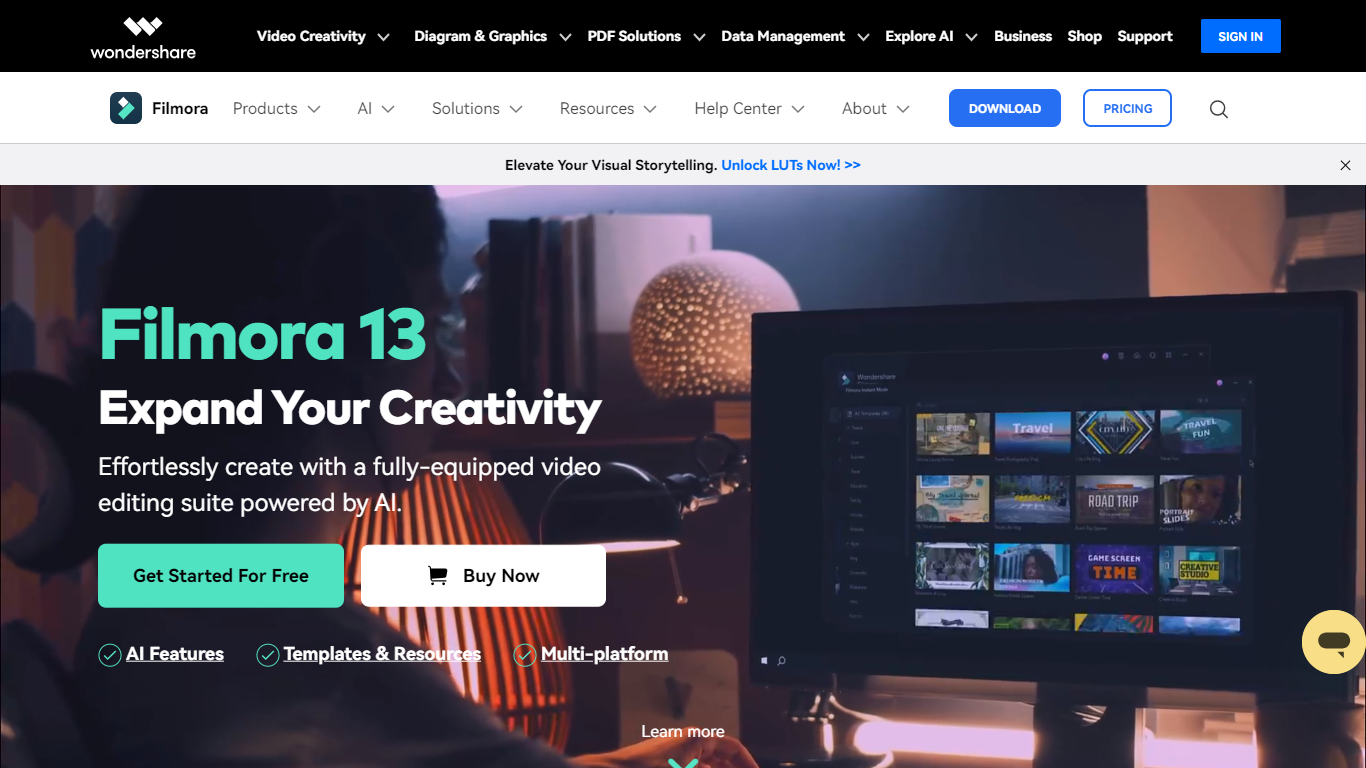
Filmora is a cross-platform video editor from Wondershare that pairs a drag-and-drop timeline with a large built-in library of effects, templates, music, and stock footage. Filmora 15 adds AI generation (text-to-video with Veo 3.1, image-to-video, smart short clips from long footage), auto captions, background removal, and an AI editing assistant called AI Mate. You can edit on Windows, macOS, iOS, Android, and iPadOS, then export with presets for YouTube, TikTok, and other platforms.
Where Premiere Pro expects you to know NLE conventions and CapCut keeps you inside a mobile-first flow, Filmora targets the middle: enough timeline depth for dual-track editing, pen-tool paths, animated charts, and Mocha-powered tracking, but most tasks stay one or two clicks away. The trade-off is subscription tiers and AI credits for heavy generation work, and perpetual licenses lock you to Filmora 15 updates rather than future major versions.
The editor fits YouTubers, social media managers, small business marketers, educators, and freelancers who post often and want stock assets plus AI helpers inside one app rather than juggling separate tools for captions, B-roll, and shorts. G2 and Capterra both rate it around 4.5 out of 5.
2.9 million-plus templates, effects, filters, music tracks, and stock media inside the editor
Text-to-video and image-to-video generation with Veo 3.1 from prompts in Filmora 15
Advanced plan includes 1,000 Filmora AI credits per month for 20+ AI features
Speech-to-text covers 27 languages; text-to-speech supports 28 languages
Dual-timeline editing, pen-tool motion paths, and animated charts from CSV or Excel data
Paid plans export up to 4K without watermarks; the free tier adds watermarks on exports
Native apps for Windows 7+, macOS 10.15+, iOS, Android, and iPad
2.9 million-plus built-in assets reduce the need to source stock media separately.
Wide platform coverage across desktop and mobile with a beginner-friendly drag-and-drop interface.
Deep AI toolkit covers generation, captions, audio cleanup, and short-form repurposing in one editor.
Free exports carry a watermark; cloud storage and the full asset library require a paid plan.
Perpetual licenses are locked to one operating system and only include Filmora 15 updates.
Heavy AI generation features consume monthly credits on paid tiers rather than running unlimited.
Is Wondershare Filmora free to use?
Yes. Wondershare Filmora offers a free edition with full access to basic editing tools, but exported videos include a watermark. Paid Basic, Advanced, and Perpetual plans remove the watermark and unlock cloud storage, AI credits, and the full creative asset library.
How much does Filmora cost?
Wondershare Filmora pricing starts at $49.99 per year for Basic, $59.99 per year for Advanced, and $79.99 for a one-time Perpetual license for Filmora 15. A free tier is available with watermarked exports and 15 AI Mate uses per day.
Which platforms does Filmora support?
Wondershare Filmora runs on Windows, macOS, iOS, Android, and iPadOS. Basic and Advanced subscriptions work on both Windows and Mac under one Wondershare account. Perpetual licenses are device-specific: Windows purchases work only on Windows PCs, and Mac purchases work only on Mac computers.
What video formats can Filmora import and export?
Wondershare Filmora imports MP4, MOV, TS, WebM, MPEG-2, 3GP, MTS, FLV, MKV, WMV, and AVI files. Exports include MP4, MOV, MKV, WebM, WMV, AVI, FLV, TS, 3GP, and MPEG-2, plus platform profiles for YouTube, TikTok, and mobile devices.
Does Filmora support GPU acceleration?
Yes. Wondershare Filmora supports GPU acceleration to speed up rendering and playback on compatible NVIDIA, AMD, and Intel graphics hardware. Wondershare recommends keeping graphics drivers updated for best performance.
Can I upload videos directly to YouTube from Filmora?
Yes. Wondershare Filmora includes a YouTube Upload export mode that compresses videos to YouTube-recommended settings. The Social Content Planner also lets you schedule posts to YouTube, TikTok, and Instagram in advance.
What is the difference between Basic, Advanced, and Perpetual plans?
Wondershare Filmora Basic ($49.99 per year) includes 1 GB cloud storage and 500 AI Mate conversations per month. Advanced ($59.99 per year) adds 1,000 AI credits per month and 10 GB cloud storage. Perpetual ($79.99 one-time) includes 1,000 AI credits once and Filmora 15 updates only, with separate Windows and Mac licenses.