
Last updated 07-26-2026
Category:
Reviews:
Join thousands of AI enthusiasts in the World of AI!
Zed
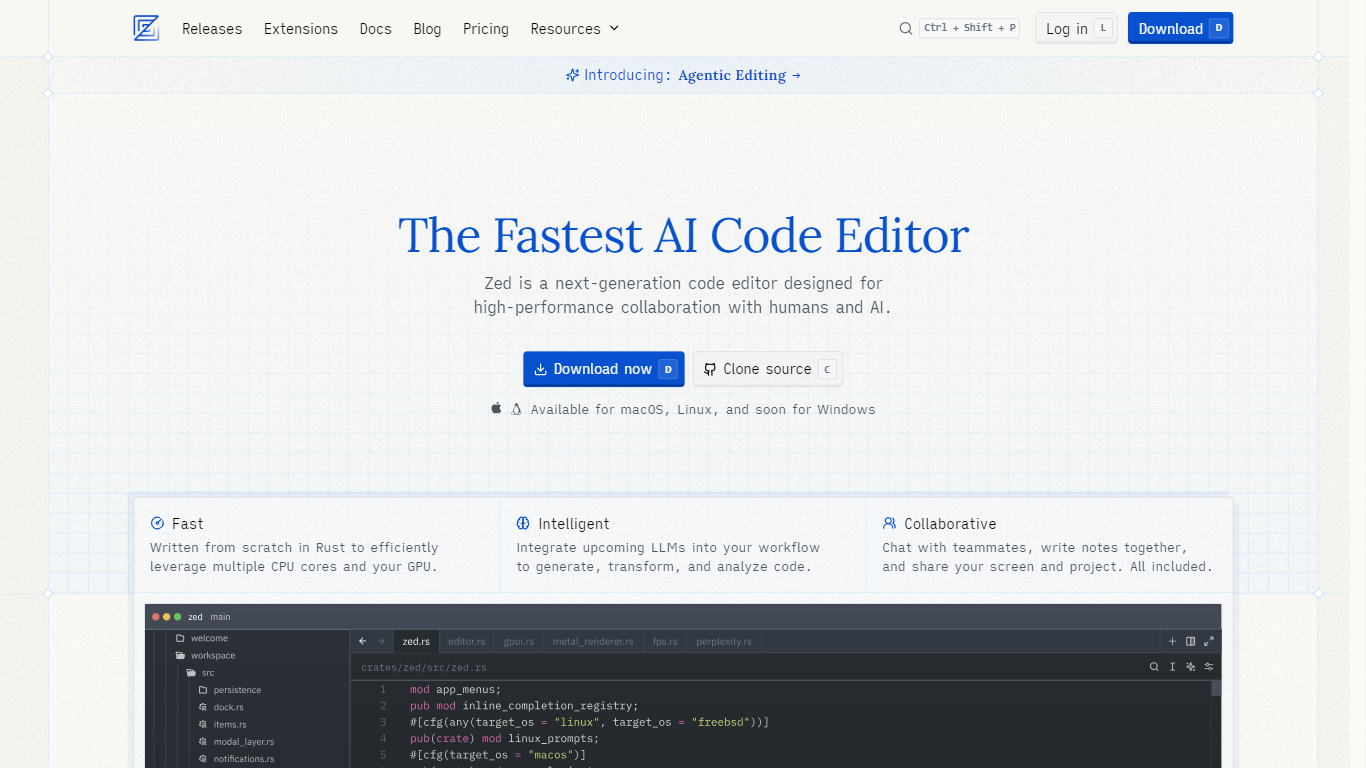
Zed is a fast, minimal code editor built from scratch in Rust to leverage multiple CPU cores and GPU resources for high performance. It supports real-time collaboration, allowing developers to chat, share screens, and code together seamlessly. The editor integrates advanced AI features through agentic editing, enabling users to delegate tasks to AI agents and follow their progress live. Zed supports first-class Git operations directly within the editor, enhancing workflow efficiency. It offers multibuffer editing, letting users work on multiple code excerpts simultaneously in one surface. Zed also includes native debugging support across multiple languages and a rich ecosystem of extensions for language support, themes, and tools. Designed for developers who value speed, collaboration, and AI integration, Zed runs on macOS, Linux, and Windows. The team behind Zed brings deep experience from building Atom, Electron, and Tree-sitter, aiming to redefine software development tools with a focus on responsiveness and shared coding experiences.
⚡ Blazing fast performance using Rust and GPU acceleration for smooth coding
🤝 Real-time collaboration with chat, screen sharing, and multiplayer editing
🧠 Agentic editing to delegate tasks to AI agents and review live progress
🔧 Built-in Git support for staging, committing, pushing, and viewing diffs
🧩 Extensive extensions ecosystem to add languages, themes, and tools
High performance with Rust and GPU acceleration for low latency
Integrated AI collaboration with agentic editing
Robust Git support built into the editor
Multibuffer editing enhances productivity
Active open-source community and frequent updates
AI features require subscription for unlimited use
Some advanced collaboration features may need learning curve
Can I use Zed without AI features?
Yes, Zed is primarily a code editor and you can disable all AI features if you prefer to use it without AI assistance.
What platforms does Zed support?
Zed runs on macOS, Linux, and Windows, providing a consistent experience across these operating systems.
How does collaboration work in Zed?
Zed enables real-time collaboration with teammates through chat, screen sharing, and multiplayer editing directly inside the editor.
What is agentic editing?
Agentic editing lets you delegate coding tasks to AI agents, follow their progress live, and review changes easily within Zed.
Does Zed support Git operations?
Yes, Zed offers first-class Git support including staging, committing, pulling, pushing, and viewing diffs inside the editor.
Are there extensions available for Zed?
Yes, Zed has a growing ecosystem of hundreds of extensions for language support, themes, and additional tools.
Is Zed open source?
Yes, Zed is open source and developed by a global community of contributors.