
Last updated 07-29-2026
Category:
Reviews:
Join thousands of AI enthusiasts in the World of AI!
AI Image Cleaner By Experte
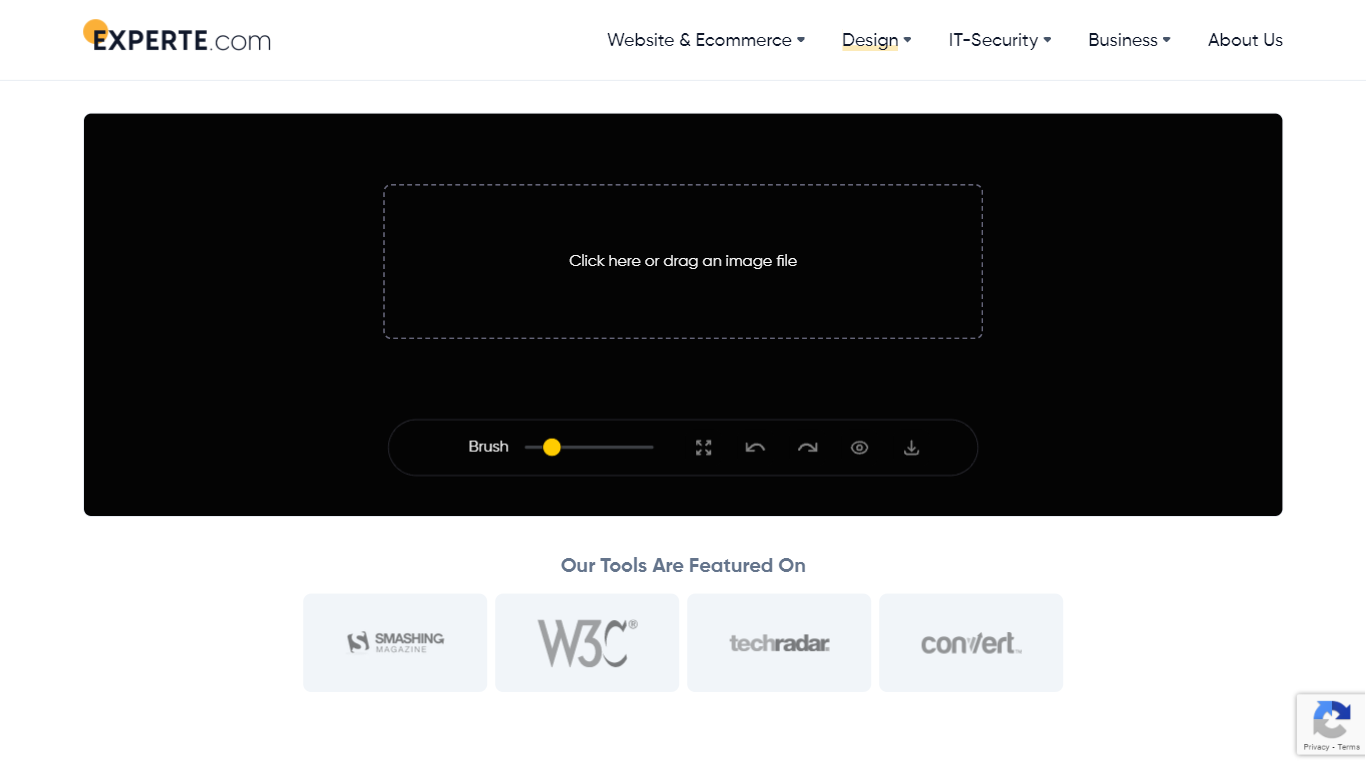
Erasing unwanted elements from digital photographs is handled automatically through advanced machine learning models built into AI Image Cleaner By Experte. Users simply upload a picture, highlight the specific distraction such as text, watermarks, or people, and let the background algorithm reconstruct the missing pixels in seconds.
Unlike platforms that demand subscriptions or account creation, this utility offers immediate access without any sign-up requirements. Processing time scales with image resolution, meaning larger files take longer while smaller uploads finish rapidly. The underlying LaMa architecture intelligently fills in erased spaces while preserving overall picture quality for personal or commercial projects.
Restoring vintage photographs involving scratches and stains becomes straightforward with the brush selection tool. While heavy resolutions require patience during rendering, the absence of strict file size limits provides generous flexibility. Creators can download finished results in full resolution immediately after the mask layer is released.
🖌️ Brush tool for highlighting text and watermarks with one click for instant removal
🧹 Object and people erasure to eliminate distracting background figures effortlessly
📸 Photo restoration capabilities to fix scratches and stains on vintage images
⚡ LaMa machine learning model integration to reconstruct missing image parts naturally
🔄 Zero sign-up requirement to start cleaning pictures immediately without creating accounts
💾 Full resolution downloads available for every processed image without hidden fees
Uses advanced AI models like LaMa for high-quality image reconstruction
No signup required to start cleaning images immediately
Works for both personal and commercial use without restrictions
Free to use with no hidden costs or strict file limits
Processing time increases with larger or more complex images
Single-image processing means batch cleaning multiple photos is unsupported
How long does it take to clean an image?
AI Image Cleaner By Experte processing time ranges from 10 to 60 seconds depending on image resolution and complexity.
Can I use the cleaned images for commercial purposes?
AI Image Cleaner By Experte permits both personal and commercial use without usage restrictions or fees.
What image formats does the tool support?
AI Image Cleaner By Experte works with common raster formats like JPG, PNG, and WEBP uploaded through standard web browsers.
Does the tool work on mobile devices?
AI Image Cleaner By Experte operates directly inside desktop and mobile web browsers without needing dedicated apps.
How accurate is the AI at removing elements?
AI Image Cleaner By Experte utilizes the LaMa model trained on extensive datasets to deliver high accuracy for text and object removal.
Can I restore multiple old photos at once?
AI Image Cleaner By Experte processes one photo at a time, requiring individual uploads since batch processing is unavailable.
Is there a limit to image size I can upload?
AI Image Cleaner By Experte enforces no strict file size limits, though files under 20MB offer the smoothest performance.