
Last updated 08-31-2026
Category:
Reviews:
Join thousands of AI enthusiasts in the World of AI!
AiAssistWorks
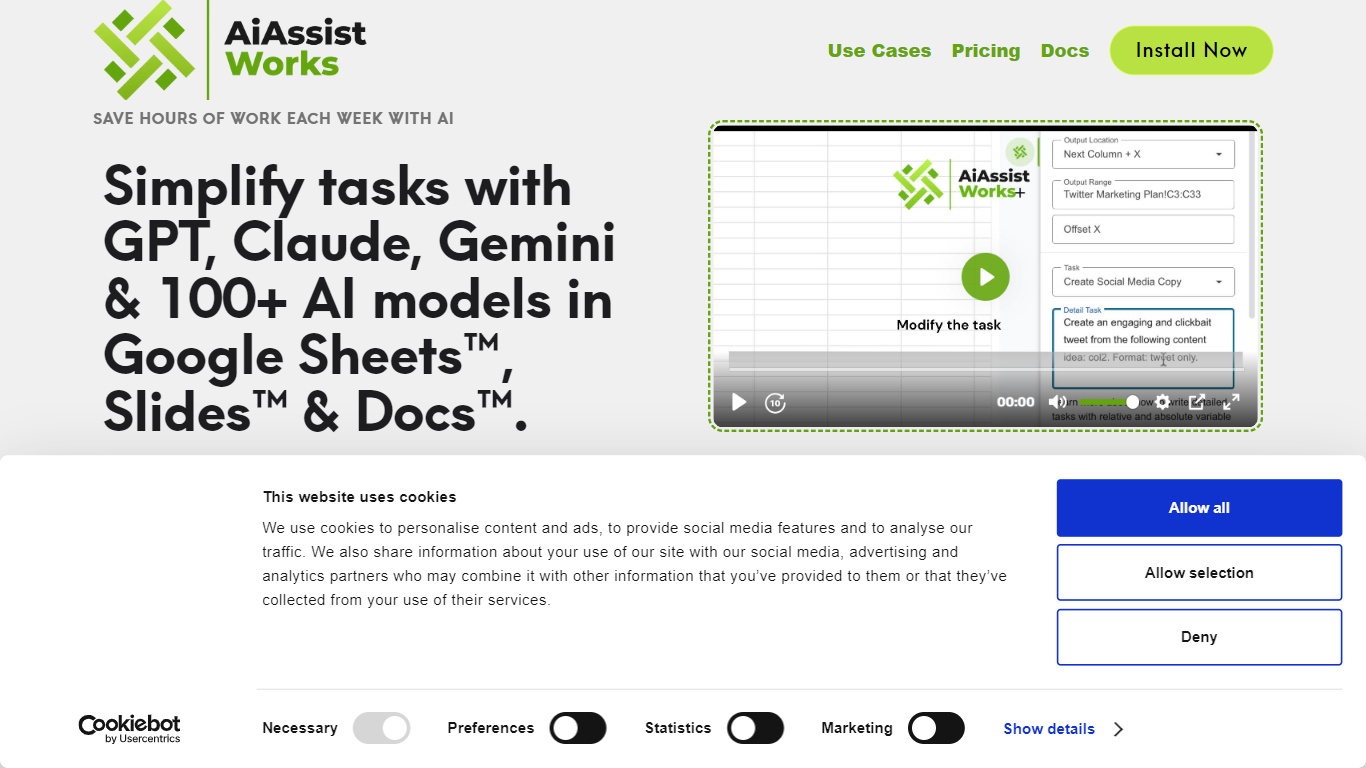
AiAssistWorks is an Excel-style spreadsheet AI add-on for Google Workspace that runs inside Google Sheets, Docs, and Slides. You describe a task in plain language, and it fills spreadsheet rows, edits documents, or builds slide decks without writing =GPT() or =AI() formulas or copying output between tabs.
Most Google Sheets AI add-ons bundle model credits into a higher subscription. AiAssistWorks keeps the add-on fee low and sends requests through your own API key from OpenAI, Anthropic, Gemini, Groq, OpenRouter, Straico, or other supported providers. Its batch engine groups rows so large fills can cut provider spend by up to 50%, and the queue is built to handle spreadsheets with 100K+ rows without tripping rate limits.
The product targets spreadsheet-heavy teams in marketing, e-commerce, SEO, and operations who need bulk translation, categorization, content generation, and slide building without leaving Google Workspace. A free Lite tier covers light use, while paid Plus plans remove execution credit caps for heavier workloads.
Bulk fill up to 1,000 Google Sheets rows in one run from natural language prompts without =GPT() formulas
Choose from 100+ AI models across 7 providers including OpenAI, Anthropic, Gemini, Groq, OpenRouter, and Straico
Lite plan includes 100 execution credits per month with no credit card required
Smart batch processing groups API calls to cut AI provider costs up to 50% on large spreadsheet jobs
Generate slide decks up to 20 slides inside Google Slides from a short description
4.9/5 user rating across 70K+ Google Workspace Marketplace installs
Lite plan stays free with 100 monthly execution credits and no credit card required.
Bring-your-own-key model avoids bundled AI credit markups and supports unlimited usage on paid plans.
Smart batch processing groups rows to cut API costs by up to 50% on large jobs.
100+ models from seven providers accessible inside Sheets, Docs, and Slides.
Plain-language interface removes the need for =GPT() or =AI() spreadsheet formulas.
Requires a separate API key and direct billing with an AI provider for model usage.
Works only as a Google Workspace add-on, not as a standalone web app.
Free plan caps usage at 100 execution credits per month.
Large spreadsheet jobs still depend on Google Sheets and provider rate limits.
Is AiAssistWorks free to use?
Yes. AiAssistWorks offers a Lite plan that is free forever with 100 execution credits per month and no credit card required. Paid Plus plans start at $6 per month or $4 per month on yearly billing for unlimited execution credits with your own API key.
Why do I need my own API key with AiAssistWorks?
AiAssistWorks routes requests to third-party AI providers using your key, so you pay those providers directly for model usage. That keeps the add-on subscription affordable and gives you access to advanced models without buying bundled AI credits from AiAssistWorks.
Which AI providers does AiAssistWorks support?
AiAssistWorks supports 100+ models from seven providers: OpenAI, Anthropic, Gemini, Groq, OpenRouter, Straico, and others. You choose the provider and model inside the add-on sidebar for each task.
What can I do with AiAssistWorks in Google Sheets?
AiAssistWorks can bulk fill rows, write formulas, create charts and pivot tables, run data validation, translate text, categorize products, extract data, clean formatting, and analyze datasets. Smart Command handles many spreadsheet tasks from a plain-language instruction.
Is my data secure with AiAssistWorks?
AiAssistWorks states it does not store your API key, prompts, results, or Google Sheet content on its servers. Your API key is encrypted in your Google account and used only to call the AI provider you selected.
What is AiAssistWorks refund policy?
AiAssistWorks offers a 30-day refund policy on yearly Plus plans and a 7-day refund policy on monthly Plus plans. Billing is processed securely through Paddle.com.