
Last updated 08-31-2026
Category:
Reviews:
Join thousands of AI enthusiasts in the World of AI!
Bricks
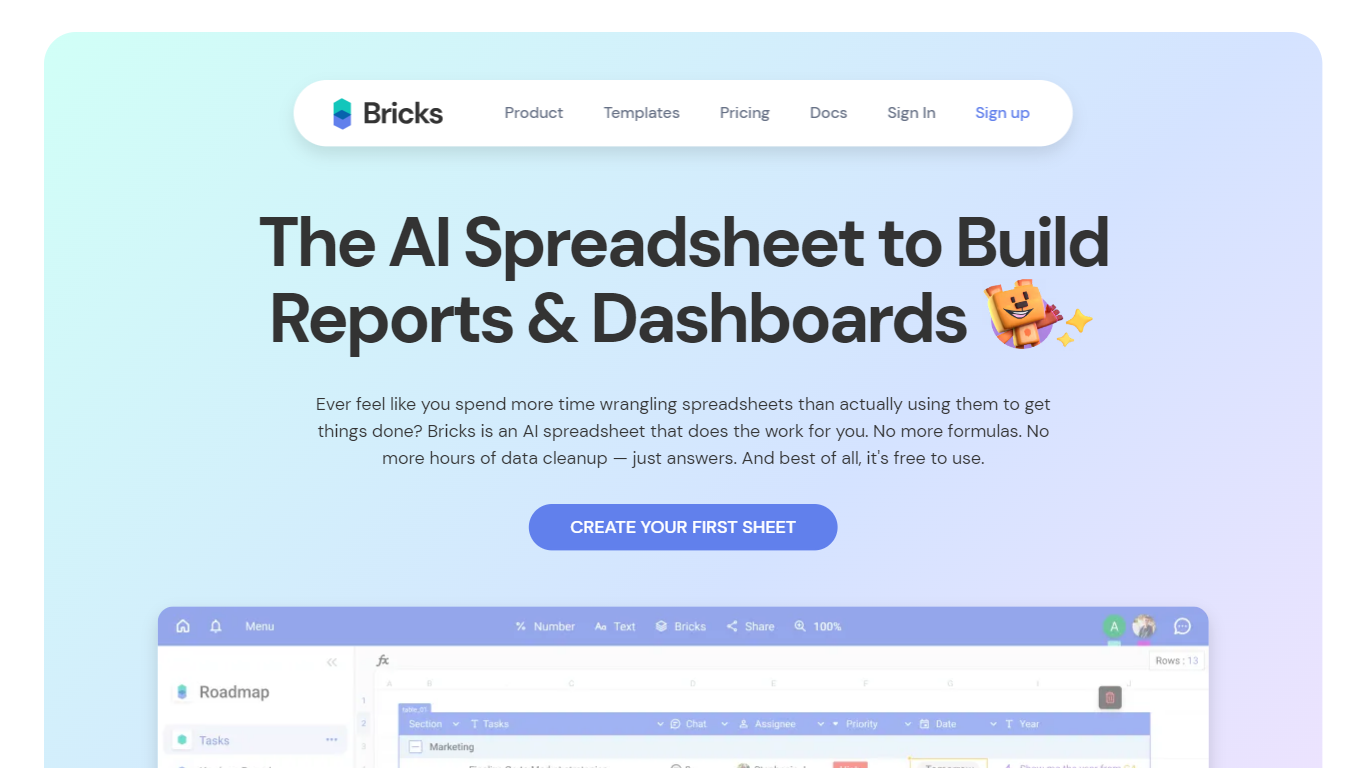
Bricks turns CSV, Excel, PDF, and PNG files into dashboards, reports, charts, spreadsheets, presentations, and org charts. Upload a file or connect a live data source, and Bricks builds interactive visuals with KPIs, tables, and written analysis in about 30 to 60 seconds. You can refine layouts with natural language prompts or drag-and-drop editing in the same workspace.
Where enterprise BI tools expect SQL skills and database connectors, Bricks targets spreadsheet-scale exports most teams already have. It sits between Canva, which the vendor says falls down on multi-chart dashboards, and Tableau or Power BI, which Bricks positions as overkill for CSV workflows. One-click refresh regenerates charts while keeping your layout when underlying sheet data changes.
Sales, marketing, finance, HR, and operations teams use Bricks for pipeline reports, campaign dashboards, and monthly performance decks without standing up a full BI stack. Plans start free with monthly AI message limits, and paid seats add higher limits, exports, and team sharing.
One-click dashboards from CSV, XLSX, PDF, and PNG uploads in 30-60 seconds
Free plan includes 20 AI messages per month; Pro includes unlimited AI messages
Connectors for Google Sheets, PostgreSQL, HubSpot, Stripe, and 20+ live integrations
Live dashboards update when linked spreadsheet or connector data changes
Export to PDF, PPTX, XLSX, HTML, or share via secure link
Click any chart point to filter the entire dashboard interactively
Builds full dashboards from spreadsheet files in under a minute
Combines prompt-based edits with manual drag-and-drop layout control
Live-linked charts and KPIs update as source data changes
Wide connector list for sheets, databases, CRM, and analytics tools
Exports to PDF, PPTX, and other formats for sharing outside the app
AI message caps on Free and Premium can limit heavy prompt workflows
Focused on spreadsheet-scale data, not large warehouse or ETL pipelines
Some connectors and enterprise API features are still marked coming soon
What file types can I upload to Bricks?
Bricks accepts CSV, Excel (XLSX), PDF files with data tables, and PNG images of tables or charts. You can upload files directly or pull data through supported connectors such as Google Sheets and PostgreSQL.
What are AI messages in Bricks?
AI messages in Bricks count each prompt you send, such as creating a dashboard, editing a chart, or requesting analysis. The Free plan includes 20 per month, Premium includes 200, and Pro includes unlimited messages.
What happens when I run out of AI messages?
Bricks pauses AI features until your monthly limit resets or you upgrade. You can still manually edit dashboards, change themes, export files, and share existing work on your current plan.
How does Bricks pricing work?
Bricks offers a Free plan at $0 per user per month, Premium at $25 per user per month, Pro at $100 per user per month, and a custom Enterprise plan. Annual billing saves 30% on paid seats.
Can I customize dashboards after Bricks generates them?
Yes. Bricks builds a starting layout automatically, then lets you refine it with prompts or manual edits. You can drag tiles, update colors, add charts, filter data, and apply brand themes.
Is my data private on Bricks?
Bricks states that customer data is encrypted in transit and at rest, kept private, and not used to train AI models. You control sharing permissions for dashboards and reports.
Can teams collaborate in Bricks?
Yes. Bricks supports team sharing, commenting, and access controls. The Free plan supports up to 3 people, Premium supports up to 200, and Enterprise handles larger organizations.