
Last updated 08-31-2026
Category:
Reviews:
Join thousands of AI enthusiasts in the World of AI!
Excel Whisper
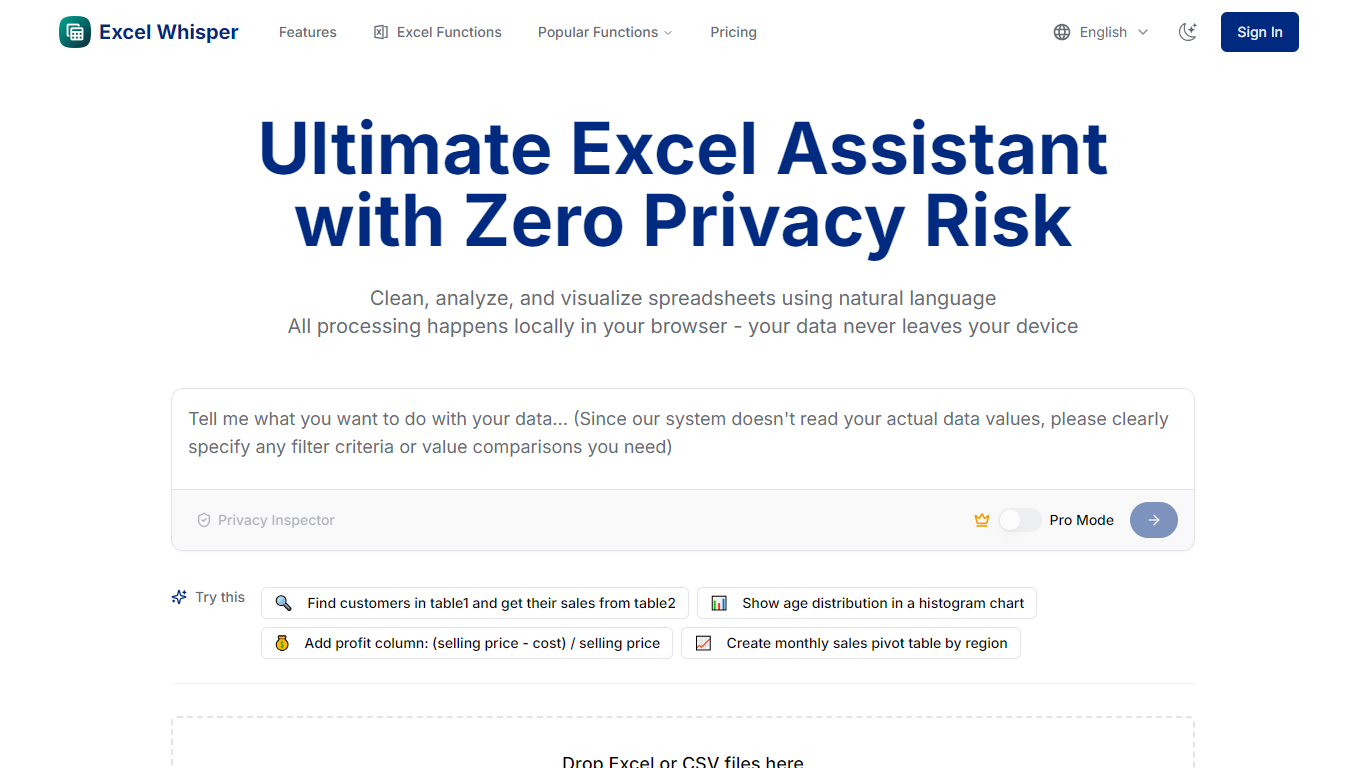
Excel Whisper is a browser-based assistant for cleaning, analyzing, and visualizing Excel and CSV files with natural language. It is built around a privacy-first model: spreadsheet data is processed locally in your browser, and the site states that only column headers are sent for structure understanding while file contents stay on your device.
Unlike cloud spreadsheet assistants that upload your files to remote servers, Excel Whisper keeps computations in the browser and only inspects column headers to understand structure. That trade-off favors privacy over server-side horsepower, and the site is explicit that it automates repetitive Excel tasks rather than replacing your business judgment.
The product targets professionals who work with sensitive spreadsheets, including financial analysts, data scientists, HR teams, and researchers who need faster Excel workflows without uploading files to a server. It focuses on repetitive spreadsheet work such as lookups across tables, pivot-style summaries, chart creation, and data cleanup rather than replacing domain expertise.
Ask questions about spreadsheet data in plain language instead of writing formulas
Clean missing values, duplicates, and formatting issues automatically
Generate charts and visualizations matched to your data type
Free plan supports 2 files up to 10MB total with 10 fields per file
Process files locally in the browser so data does not leave your device
Analyze up to 10 Excel or CSV files together on the Pro plan
Switch between Basic mode and Pro mode for broader Excel operations
Processes spreadsheet data locally in the browser for stronger privacy
Natural language interface reduces reliance on memorizing Excel formulas
Supports multi-file analysis for comparing or combining datasets
Free tier available with no credit card required
Includes a library of interactive Excel function tutorials
Does not claim to provide deep business context or industry-specific insights
File size, field count, and monthly analysis limits vary by plan
Performance on very large files depends on your device hardware
What is Excel Whisper and how does it work?
Excel Whisper is a privacy-first Excel analysis tool that lets you upload Excel or CSV files and ask questions in natural language. It handles analysis and visualization in your browser based on your prompts and the structure of your data.
Is my spreadsheet data uploaded to Excel Whisper servers?
No. Excel Whisper states that all processing happens locally in your browser and your files never leave your device. The privacy policy says only column headers and limited analysis metadata are collected to understand data structure.
What is the difference between Basic mode and Pro mode?
Basic mode covers common Excel operations and basic charts for everyday tasks. Pro mode adds advanced Excel operations, more sophisticated visualizations, and support for larger datasets with up to 50 fields per file.
What are the file and field limits on each plan?
Excel Whisper Free supports up to 2 files (10MB total) with up to 10 fields per file. Standard supports up to 5 files (100MB total) with up to 20 fields per file. Pro supports up to 10 files with unlimited total size limited by your device and up to 50 fields per file.
How many analyses can I run each month?
Excel Whisper lists 10 analyses per month on Free, 300 on Standard, and 1000 on Pro on its pricing page. Some FAQ and legal copy on the site still references lower monthly limits, so check your plan details in the app if usage caps matter for your workflow.
Can I try Excel Whisper before paying?
Yes. Excel Whisper offers a free Freemium tier with 10 analyses per month and no credit card required, so you can test basic mode and charts before choosing a paid Standard or Pro plan.
How do I upgrade, downgrade, or change my subscription?
To move between Standard and Pro, contact support at [email protected]. The site says requests are typically processed within 12 hours and asks you to include your account email and requested change.