
Last updated 08-21-2026
Category:
Reviews:
Join thousands of AI enthusiasts in the World of AI!
IMG2Excel
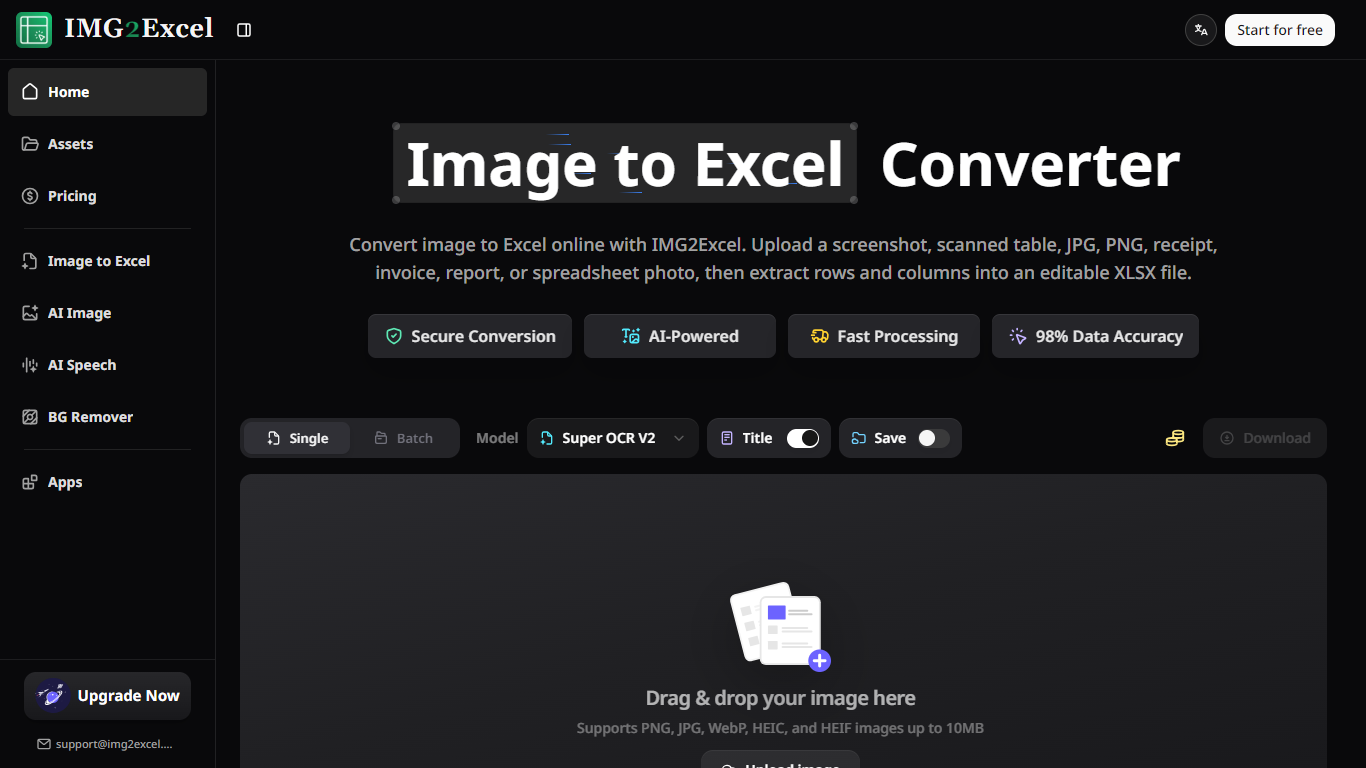
IMG2Excel is a browser-based image to Excel converter that pulls table data out of screenshots, scans, receipts, and spreadsheet photos into editable XLSX files. Upload PNG, JPG, WebP, HEIC, or HEIF images up to 10MB, preview detected rows and columns, then download a spreadsheet you can open in Excel or Google Sheets.
Manual retyping from a table photo can take 10 to 30 minutes per page. IMG2Excel uses Super OCR V2 with layout-preserving table detection so most conversions finish in seconds, with batch mode for multiple files. You can retry OCR when a preview misses merged cells or blurry text.
Finance teams, data entry staff, analysts, and students use it for invoices, reports, and dashboard screenshots. One free try works without login; signed-in accounts get free credits plus daily check-ins, while paid credit packs unlock commercial use and higher volume.
Super OCR V2 model with 98 percent data accuracy claim and layout-preserving table detection
Single and batch conversion for PNG, JPG, WebP, HEIC, and HEIF uploads up to 10MB each
One credit per image to Excel conversion with editable XLSX preview before download
40 plus languages supported for international receipts, reports, and scanned tables
Encrypted storage with automatic deletion within 24 hours unless saved to Assets
Paid credit packs from $14.90 for 750 conversions with commercial license included
Preview and retry OCR before downloading XLSX, which cuts bad exports early.
Batch mode handles multiple table images without repeating the upload workflow.
Browser-only tool works across operating systems with no desktop install.
Paid packs include commercial licensing for client and business spreadsheet work.
OCR quality drops on blurry photos, heavy shadows, or cut-off table edges.
Free tier limits commercial use and caps volume without purchasing credits.
Non-saved files delete within 24 hours unless you enable Assets storage on Pro.
Is IMG2Excel free to try?
Yes. IMG2Excel lets you convert once without logging in. After sign-in you receive free credits and can earn more through daily check-in before buying paid credit packs for heavier use.
Which image formats does IMG2Excel support?
IMG2Excel accepts PNG, JPG, JPEG, WebP, HEIC, and HEIF table images up to 10MB each. It works on screenshots, scanned tables, receipts, invoices, and spreadsheet photos.
How much does IMG2Excel cost?
IMG2Excel sells one-time credit packs: Starter at $14.90 for 750 credits, Professional at $29.90 for 2,000 credits, and Scale at $69.90 for 6,000 credits. Each image conversion uses one credit.
Can IMG2Excel convert screenshots to Excel?
Yes. IMG2Excel detects rows, columns, and labels in dashboard screenshots or report images, previews the extracted table, and exports a standard XLSX file you can edit.
Does IMG2Excel work on mobile browsers?
Yes. IMG2Excel runs in mobile browsers on Android and iPhone with no install required. Clear, straight photos of the full table produce the most reliable OCR results.
Can I use IMG2Excel output commercially?
Commercial use requires paid credits or a paid pack on IMG2Excel. Free accounts are limited to personal use, while Starter, Professional, and Scale packs include a commercial license.