
Last updated 07-22-2026
Category:
Reviews:
Join thousands of AI enthusiasts in the World of AI!
Noty.ai
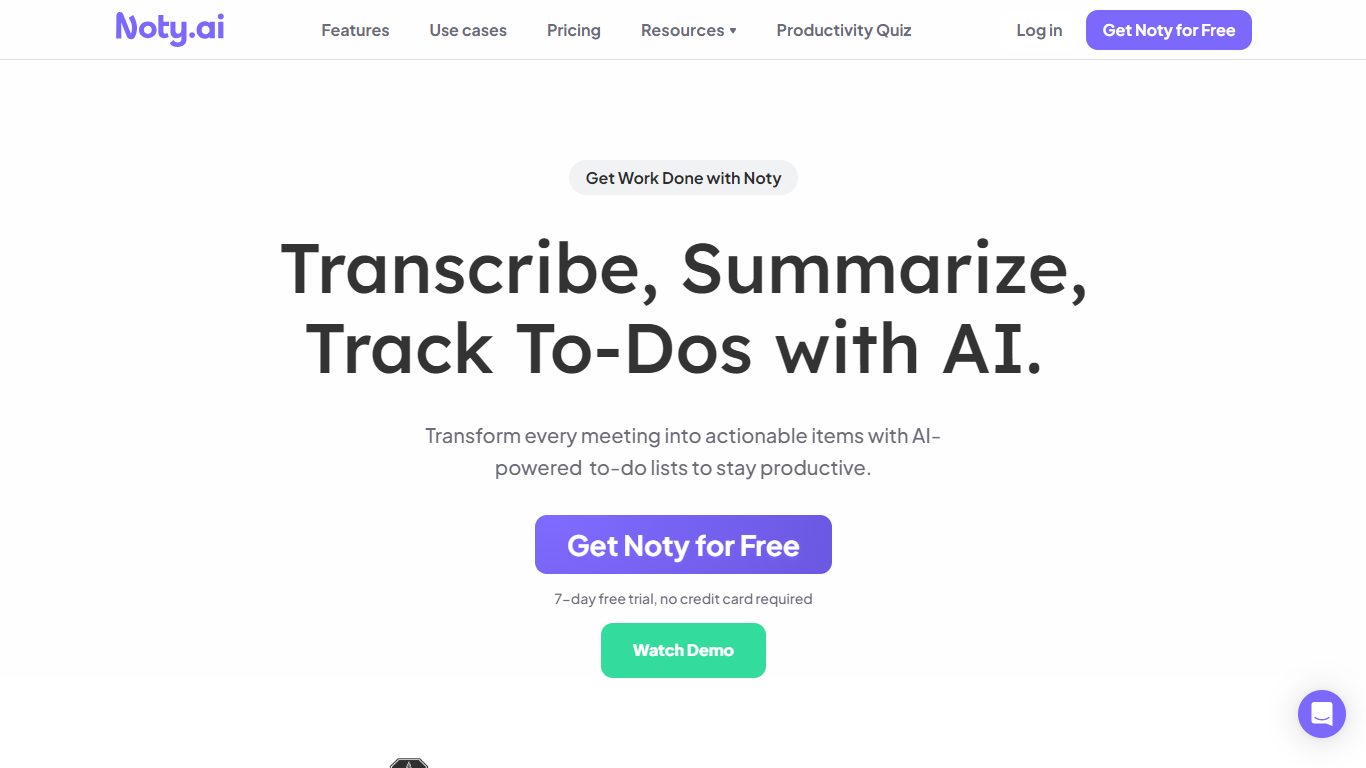
Noty.ai is a meeting assistant that turns live conversations into transcripts, summaries, and assigned tasks. It records calls on platforms like Google Meet, Zoom, and Microsoft Teams, then surfaces what was decided so teams can act without rewatching recordings or digging through notes.
The product focuses on the gap after meetings end. It detects action items during calls, builds to-do lists, and can email tasks to assignees. Summaries and transcripts stay searchable across past sessions, with exports to Docs, PDF, and plain text.
Noty.ai suits project managers, remote teams, and anyone who runs frequent video meetings and needs follow-through without manual note-taking. The site reports more than 100,000 users and lists customers including Google, Stanford, Salesforce, and PwC.
Live transcription during Google Meet, Zoom, and Teams calls with searchable transcripts
Post-meeting summaries you can review, edit, and comment on before sharing
Action items detected in real time, then routed into assignable to-do lists
One-click follow-up emails with highlights, deadlines, and key takeaways
Global search across all meeting transcripts, summaries, and action items
Exports to Google Docs, PDF, and plain text from your meeting workspace
Covers transcription, summaries, and task assignment in one workflow instead of separate tools.
Works with Google Meet, Zoom, and Microsoft Teams for teams already on those platforms.
Offers flexible pricing with monthly Pro, annual Impact, and hourly pay-as-you-go options.
7-day free trial requires no credit card upfront.
Pro usage is capped at 100 transcription hours per month.
Some supported languages are still marked beta on the pricing page.
No dedicated mobile apps are listed on the marketing site.
Does Noty.ai offer a free trial?
Yes. Noty.ai offers a 7-day free trial with no credit card required. You can start from the homepage or pricing page and sign in at app.noty.ai to evaluate the product.
Which video platforms does Noty.ai support?
Noty.ai supports Google Meet, Zoom, and Microsoft Teams. Its transcription and action-item features are built around meetings on those platforms.
How many languages does Noty.ai support?
Noty.ai states it supports 90 languages for transcription, including English, German, Spanish, French, Japanese, and Portuguese. Some locale variants are marked beta on the pricing page.
How much does Noty.ai Pro cost?
Noty.ai Pro is $10 per user per month. The plan includes 100 hours of transcription per month, 3 AI credits per meeting, unlimited storage, exports, global search, custom summaries, and priority support.
Does Noty.ai have a pay-as-you-go option?
Yes. Noty.ai offers pay-as-you-go pricing at $1 per hour with no long-term commitment. Usage starts with a 5-hour minimum purchase and includes the same core Pro features.
Is there a discount for education or nonprofits?
Yes. Noty.ai lists an Impact plan at $40 per user per year for schools, universities, and nonprofits. The pricing page also notes a 90% education discount when you contact [email protected].
Can Noty.ai assign tasks after a meeting?
Yes. Noty.ai detects tasks, deadlines, and assignees during meetings, then lets you review and approve them before sending tasks to assignees by email so work can start right away.