
Last updated 07-27-2026
Category:
Reviews:
Join thousands of AI enthusiasts in the World of AI!
PDF GPT
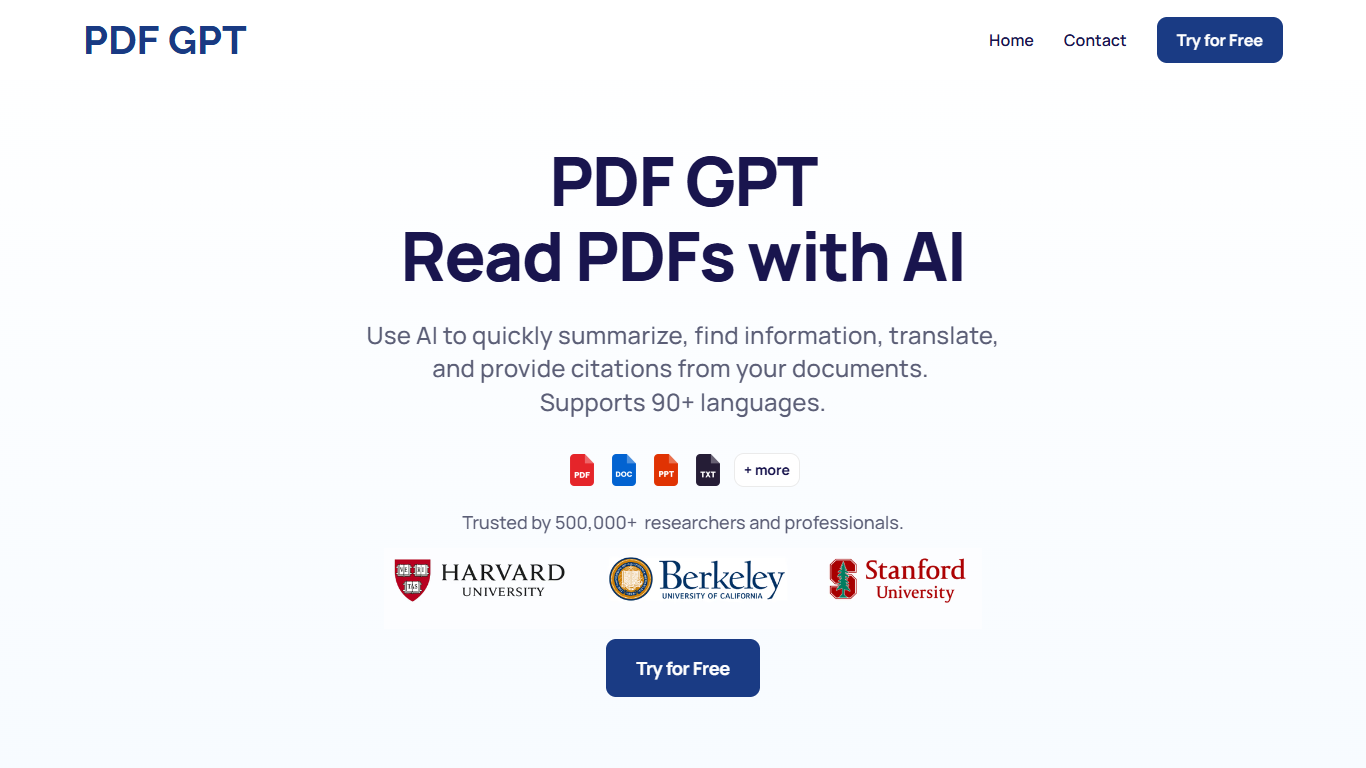
PDF GPT lets you upload PDF documents and ask questions in plain language, then get answers backed by clickable page citations and highlighted excerpts. It handles summarization, search across files, translation, and citation generation from the same chat interface. The tool supports 90+ languages and runs through a web app at app.ivorymind.com, while the marketing site is operated by Pearl Labs.
Most PDF chat tools stop at question and answer. PDF GPT also generates structured outputs like study guides, 10-slide presentation outlines, term tables, and APA citations from a single upload. Its tag system groups documents so you can chat across a filtered set, not just one file at a time.
Researchers, students, and professionals use it to pull facts from long reports without rereading every page. The site cites a user base of 500,000+ researchers and professionals.
Every answer includes a clickable page citation with the source passage highlighted in the PDF
Upload multiple PDFs and search or chat across your full document library at once
Supports 90+ languages for questions, summaries, and translations
Tag documents into groups and run chats scoped to those tagged collections
Generate study guides, 10-slide presentation drafts, term tables, and APA citations from uploaded PDFs
Cited answers with clickable page highlights on every response
Search and chat across multiple uploaded PDFs in one session
Generates study guides, presentations, and citation formats from document content
Supports 90+ languages for querying and summarizing documents
No public pricing page on pdfgpt.chat, so paid plan details are not listed on the marketing site
Web app requires signup at app.ivorymind.com before uploading documents
Marketing site focuses on PDF uploads with no documented support for other file types
How can I use PDF GPT?
PDF GPT lets you upload PDFs, ask questions in natural language, and get answers with citations in seconds. You can search, summarize, translate, and find specific information across your documents from one chat interface.
Does PDF GPT work in other languages?
Yes, PDF GPT supports 90+ languages. You can ask questions, request summaries, and translate document content in languages beyond English, including prompts like answering in Spanish.
Will PDF GPT give correct answers?
PDF GPT returns answers with clickable page references and highlighted source passages from your uploaded PDF. Each response ties back to specific pages in the document so you can verify the information yourself.
Can I chat with multiple PDFs at the same time?
Yes, PDF GPT lets you upload multiple documents and search for information across all of them. You can also tag documents into groups and run chats scoped to those tagged collections.
Can I create content with PDF GPT?
PDF GPT generates summaries, study guides, 10-slide presentation drafts, detailed outlines, term tables, and APA citations from uploaded PDFs. Example prompts on the site include creating a study guide from a lecture PDF.
Is PDF GPT free to use?
PDF GPT offers a free signup option through its Try for Free button, which links to app.ivorymind.com. The marketing site does not list paid plan prices or a dedicated pricing page.