
Last updated 07-30-2026
Category:
Reviews:
Join thousands of AI enthusiasts in the World of AI!
RoboDialog
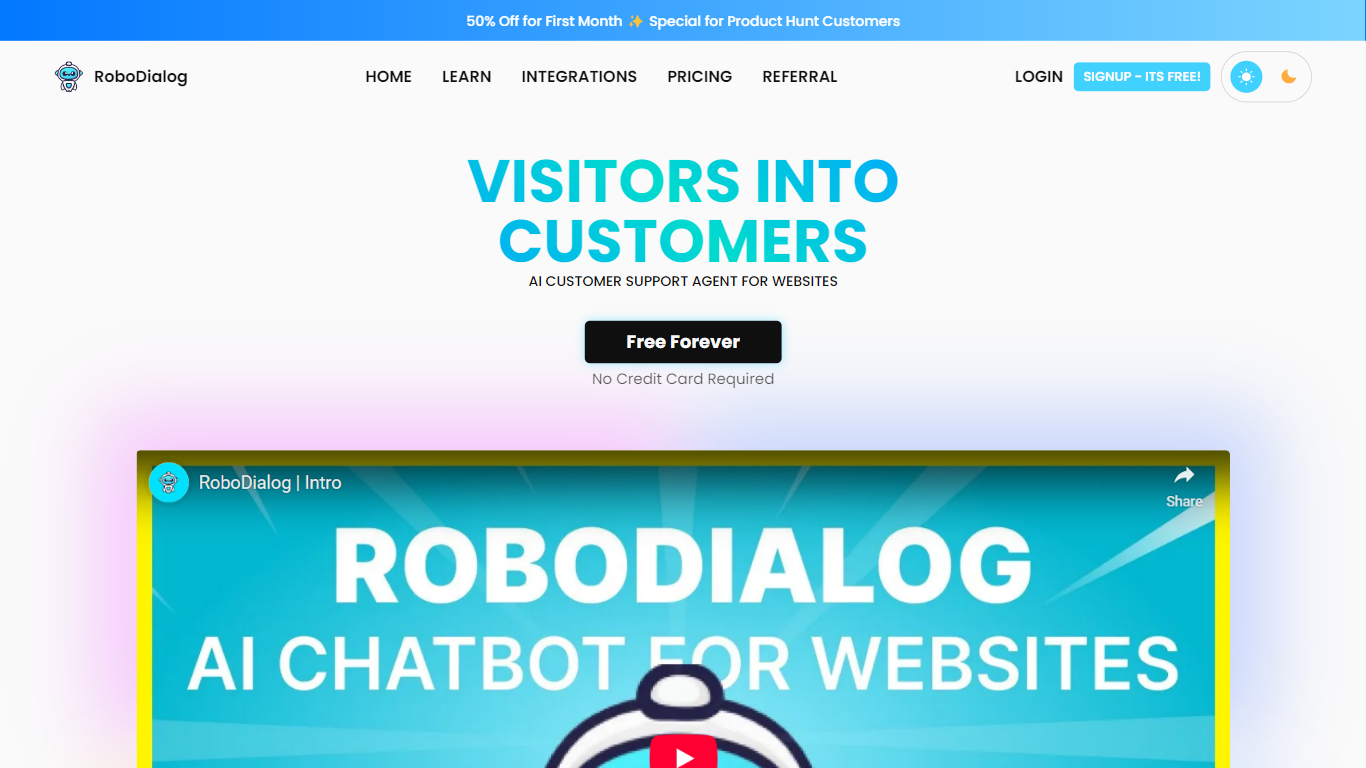
RoboDialog puts a trainable website chatbot on your site that handles visitor questions and hands off to human agents when needed. You build conversation flows in a visual no-code editor with text blocks, buttons, cards, and external API calls. The bot learns from website pages, uploaded files, Q&A pairs, and plain text you add to its knowledge base. Signup on the free Starter tier needs no credit card.
Most website chat widgets stop at scripted replies. RoboDialog adds a full chatflow builder where you mix AI answers with form steps, live data lookups, and human takeover mid-conversation. It also hosts standalone live chat pages on robodialog.com for businesses that want customer support without embedding a widget yet. External API nodes let the bot answer questions like order status from your backend.
The product targets small teams running e-commerce stores, restaurants, travel agencies, healthcare sites, and real estate listings that need around-the-clock first-line support. Support teams invite colleagues with role-based access, from 2 seats on Starter up to 50 on Enterprise. Integrations cover WordPress, Shopify, React, Next.js, Wix, and dozens of other frameworks and no-code builders via a copy-paste embed tag.
Visual no-code chatflow builder with text, buttons, cards, and external API nodes
Human agents can take over any AI conversation from the dashboard
Knowledge training from websites, Word and PDF files, Q&A pairs, and plain text
Starter includes 100 one-time AI messages, 30 conversations, and 500k training characters
Pro plan at $29 per month includes 5 chatbots and 3,000 monthly AI messages
Copy-paste embed tag works with 50+ frameworks and no-code site builders
Hosted live chat pages on robodialog.com when you lack a website
Free Starter tier with no credit card required at signup
Visual chatflow builder mixes AI replies with forms and API calls
Human agents can take over live conversations from the dashboard
No cap on concurrent chats across any plan
14-day money-back guarantee on new paid subscriptions
Starter AI message and conversation credits are one-time, not monthly
Team member seats are capped from 2 on Starter to 50 on Enterprise
Several integration docs for platforms like Webflow and Laravel are still marked upcoming
Unused monthly AI message credits do not roll over to the next billing cycle
What is RoboDialog?
RoboDialog is a website customer support chatbot you train on your own content and deploy via embed code or a hosted live chat page. It combines AI replies with a visual chatflow builder, external API lookups, and human agent handoff when a conversation needs a person.
How much does RoboDialog cost?
RoboDialog offers a free Starter plan with one-time credits, then paid tiers at $29, $70, and $200 per month for Pro, Expert, and Enterprise. Paid plans add more chatbots, monthly AI message quotas, team seats, and training character limits. Yearly billing saves two months.
Can RoboDialog check live order status?
Yes. RoboDialog supports external API nodes inside chatflows so the bot can pull live data, such as order tracking status, from your backend. Restaurant and e-commerce examples on the site show order lookup and item availability checks wired through API steps.
How many team members can RoboDialog support?
RoboDialog caps live support seats by plan: 2 on Starter, 10 on Pro, 25 on Expert, and 50 on Enterprise. You assign roles and invite colleagues to handle conversations that the AI escalates or that you take over manually.
What data can train a RoboDialog chatbot?
RoboDialog accepts website scraping, Word and PDF files, free-text notes, and question-answer pairs as knowledge sources. Training character limits range from 500k on Starter to 60M on Enterprise, counting letters, numbers, and symbols in uploaded content.
Does RoboDialog limit concurrent chats?
No. RoboDialog places no cap on concurrent chats, so multiple visitors can talk to the bot or live agents at the same time on any plan. Conversation limits on Starter apply to total one-time credits, not simultaneous sessions.
How do I add RoboDialog to my website?
RoboDialog integration is a copy-paste embed tag from the Connect tab after you create and customize a chatbot. Documented guides cover WordPress, Shopify, React, Next.js, Wix, Squarespace, HubSpot, and other code and no-code platforms.