
Last updated 08-22-2026
Category:
Reviews:
Join thousands of AI enthusiasts in the World of AI!
SAM TTS
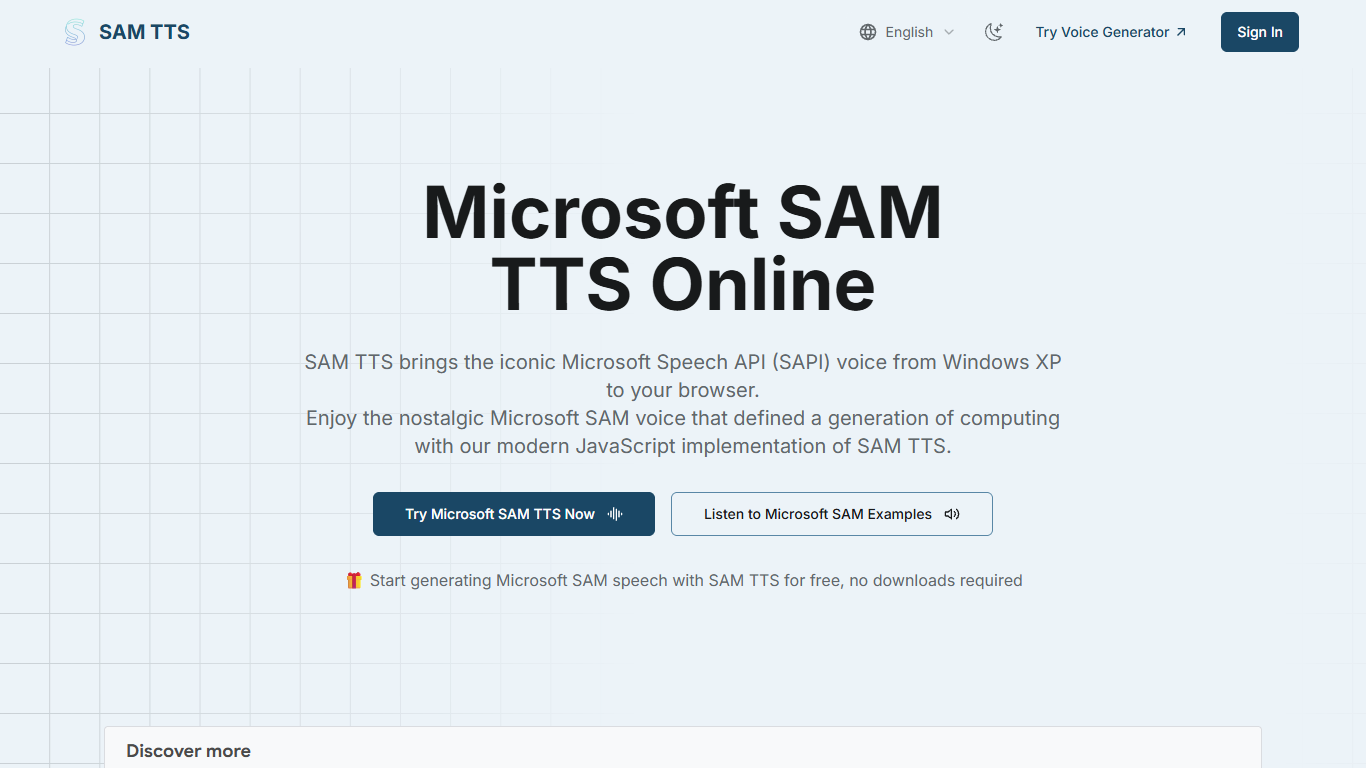
SAM TTS recreates the classic Microsoft SAM text-to-speech voice from Windows XP inside your browser. Type a line, pick Sam, Mike, Mary, or dozens of SAPI4 presets, tweak pitch and speed, then preview or download a WAV file without installing old Windows software.
Neural voice apps chase realism, but SAM TTS leans into the robotic Windows XP sound on purpose. Audio renders client-side with a phoneme engine under 100KB of JavaScript, so you get instant previews, offline use after the page loads, and a voice profile meme creators still search for.
It suits YouTube editors, game developers, meme makers, and anyone building retro UI demos who want that flat, mechanical narrator. Typical jobs include meme narration, prank audio, accessibility experiments, and prototyping speech in indie games.
Microsoft Sam, Mike, and Mary voices plus BonziBUDDY and 20+ SAPI4 presets
Adjustable pitch and speed sliders for character variations
One-click WAV download from the browser preview player
Client-side synthesis under 100KB of JavaScript with no server upload
Works in Chrome, Firefox, Safari, and mobile browsers
Magic button inserts random sample text for quick voice tests
Faithful Microsoft SAM sound without running Windows XP
Instant browser previews with no account or install step
Large preset library including BonziBUDDY and RoboSoft voices
Client-side processing keeps typed text on your device
English-focused phoneme engine struggles with uncommon words
Robotic delivery is intentional, not suited to natural narration
No mobile app, only the responsive web generator
Is SAM TTS free to use?
Yes. SAM TTS is free with no subscriptions, sign-ups, or downloads required. Open samtts.com, enter text, click Speak, and download WAV files at no cost.
Which voices does SAM TTS include?
SAM TTS ships with Microsoft Sam, Mike, and Mary from Windows XP SAPI4, plus BonziBUDDY, RoboSoft variants, whisper presets, and TruVoice adult male and female options from the dropdown menu.
Can I download audio from SAM TTS?
Yes. SAM TTS lets you download the generated speech as a WAV file directly from the browser player. The file is ready for videos, memes, games, or other projects using the classic SAM voice.
Does SAM TTS run offline?
SAM TTS processes speech entirely in your browser after the page loads, so previews work without sending text to a server. You can keep using it offline once the initial page assets are cached.
How is SAM TTS different from modern neural TTS?
SAM TTS uses the original phoneme-based Microsoft SAM engine rather than neural models. That produces the distinctive robotic Windows XP tone creators want for memes and retro projects instead of lifelike narration.
What settings can I change in SAM TTS?
SAM TTS exposes pitch and speed sliders plus mouth and throat parameters on supported presets. You can also pick character presets like Elf, Little Robot, or Extra-Terrestrial for instant voice variations.