
Last updated 08-31-2026
Category:
Reviews:
Join thousands of AI enthusiasts in the World of AI!
sendsheets
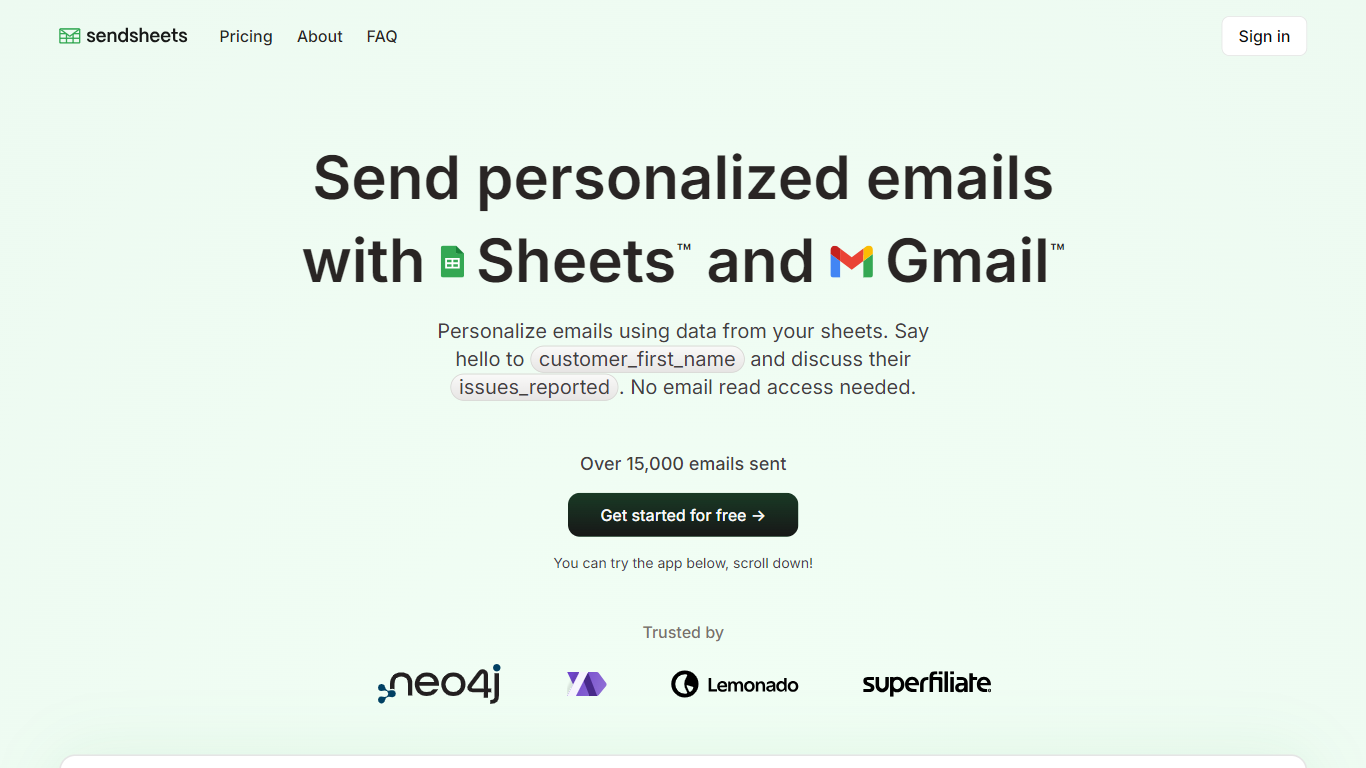
Sendsheets connects Google Sheets and Gmail so you can send personalized emails using spreadsheet columns as merge fields. You map variables like names or custom fields into the subject and body, preview the result in Gmail, then send to every row without granting read access to your inbox.
The workflow stays inside tools many teams already use. Load a sheet URL, pick which columns feed the message, schedule a send date, or turn on auto-send when new rows appear. The site reports more than 15,000 emails sent through the product, and logos on the homepage include Neo4j, Airtribe, Lemonado, and Superfiliate.
Sendsheets is built by two founders, Pontus and Eric, as a focused mail merge layer on top of Google Sheets and Gmail. It fits HR updates, customer outreach, and any list-based email where each recipient should see their own details pulled from a row.
Insert sheet column variables into email subjects and bodies for per-recipient personalization
Load any Google Sheet URL and preview merged messages before sending through Gmail
Schedule sends for a chosen date or auto-send when new rows are added to the sheet
Send without granting inbox read access, so Gmail is used only for outbound delivery
Basic plan includes analytics, reporting, and email templates within Gmail sending limits
Personalizes each email from spreadsheet columns without manual copy and paste.
Does not require Gmail read access, only send permissions for outbound mail.
Supports scheduled sends and automatic emails when new sheet rows are added.
Free Basic tier includes analytics, reporting, and templates within Gmail limits.
Outbound volume is capped by Gmail's standard sending limits.
Pro removes the watermark at $9 per month, so heavy free users see branded sends.
What is Sendsheets?
Sendsheets is a mail merge tool that sends personalized emails from Google Sheets through Gmail. You connect a sheet, reference column names in your template, and Sendsheets fills each message per row before sending.
How does Sendsheets protect my privacy?
Sendsheets does not request permission to read your emails. It only reads the sheet columns you use for sending and stores the email content you send through the app. Each user's sent data is isolated to their account.
Is Sendsheets free to use?
Sendsheets offers a free Basic plan at $0 per month with unlimited emails within Gmail limits, analytics, reporting, and email templates. Sign in with Google to get started without a credit card.
Can I use Sendsheets with my Google Workspace account?
Yes. Sendsheets works with Google sign-in and integrates with Google Sheets and Gmail, including Google Workspace accounts, within Google's sending limits.
How does Sendsheets work with Gmail's sending limits?
Sendsheets sends through Gmail and follows Gmail's standard sending limits. The Basic plan notes unlimited emails subject to those Gmail caps, and the terms state Sendsheets will not help users bypass provider limits.
What happens if I reach the sending limit?
When Gmail's sending limit is reached, Sendsheets stops sending until the limit resets. This keeps your account within Google's rules rather than pushing past provider caps.
How does Sendsheets handle email scheduling?
Sendsheets lets you pick a send date in the app or enable auto-send on new rows so emails go out automatically when fresh data is added to your sheet.