
Last updated 07-24-2026
Category:
Reviews:
Join thousands of AI enthusiasts in the World of AI!
Solvr
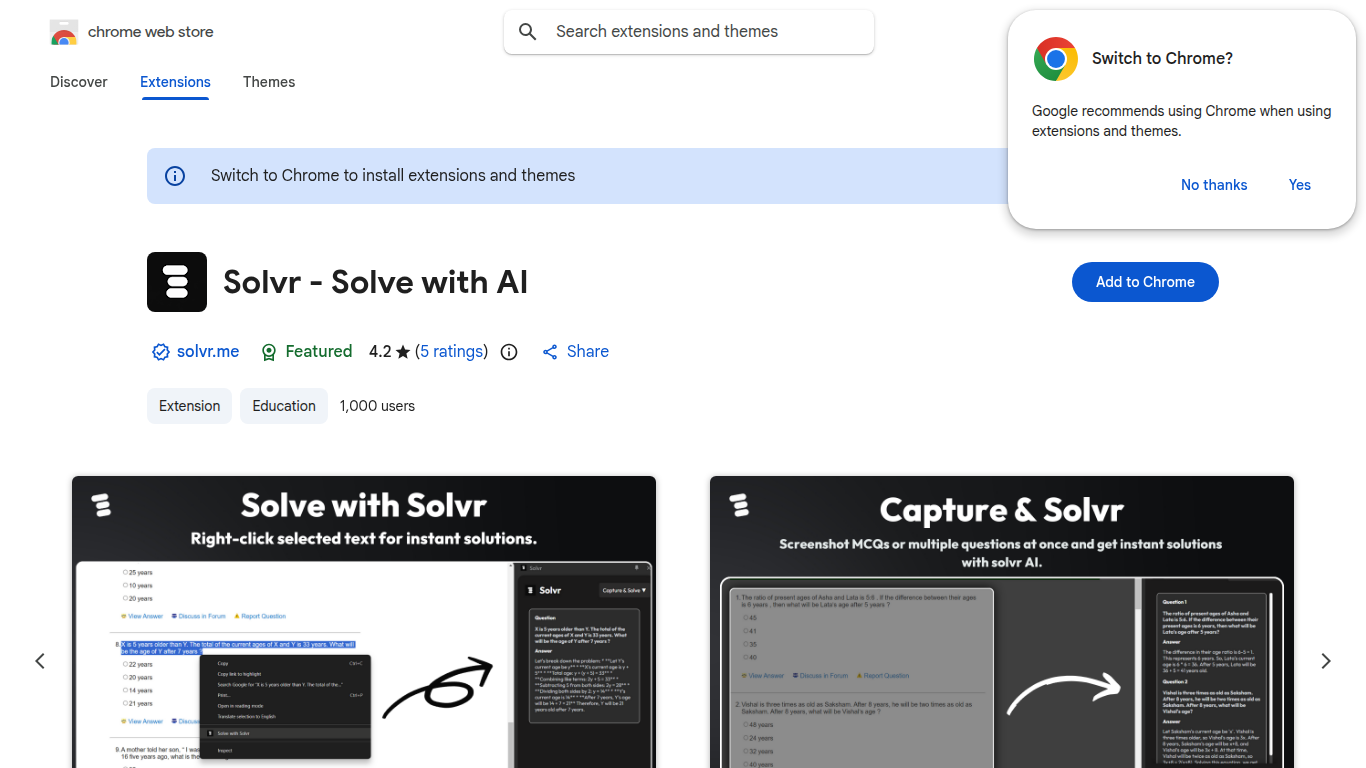
Solvr is a free Chrome extension that answers questions from the page you are already on. You can highlight text and right-click, capture a screenshot, or type a question in the side panel. Answers show up without opening a new tab or copying text elsewhere.
The extension targets students, researchers, and anyone who needs quick help while reading, studying, or working in the browser. It is listed in the Chrome Web Store under Education with about 1,000 users and a 4.2 rating from five reviews.
Three input modes cover most workflows. Solve with Solvr works on selected text via the context menu. Capture and Solvr sends a screenshot of on-screen content for analysis. Text and Solvr lets you type a question directly in the extension side panel.
The marketing site at solvr.me is currently parked, but the extension remains available on the Chrome Web Store. Version 1.1 was last updated on September 12, 2024. The developer lists [email protected] as the contact email.
Right-click any highlighted text and choose Solve with Solvr for instant answers
Capture a screenshot of on-screen questions and get structured solutions back
Type questions in the side panel without switching tabs or copying content
Runs as a Chrome extension with a context menu and dedicated side panel
Free to install from the Chrome Web Store with no paid tier listed
Three input modes cover text selection, screenshots, and typed questions.
Free to install with no paid plan shown on the Chrome Web Store.
Answers appear in the browser without opening extra tabs.
Chrome extension only; no standalone web app or mobile app listed.
The solvr.me marketing site is currently parked and unavailable.
Small user base with only five store ratings as of July 2026.
What is Solvr?
Solvr is a free Chrome extension that answers questions from highlighted text, screenshots, or typed prompts. It works through a context menu, screenshot capture, and a side panel so you do not need to leave your current page.
How do I use Solvr?
Install the extension from the Chrome Web Store, then highlight text and right-click to choose Solve with Solvr, capture a screenshot for analysis, or open the side panel and type your question directly.
Is Solvr free?
Yes. The Chrome Web Store listing describes Solvr as completely free with no paid plan shown on the store page.
Does Solvr work on PDFs?
Solvr can analyze screenshot captures, which lets you point it at PDF content displayed on screen. There is no separate PDF upload flow listed on the store page.
Is the Solvr website still active?
The solvr.me domain currently shows a parked landing page, but the Chrome extension remains available and was last updated on September 12, 2024.