
Last updated 08-31-2026
Category:
Reviews:
Join thousands of AI enthusiasts in the World of AI!
Sourcetable
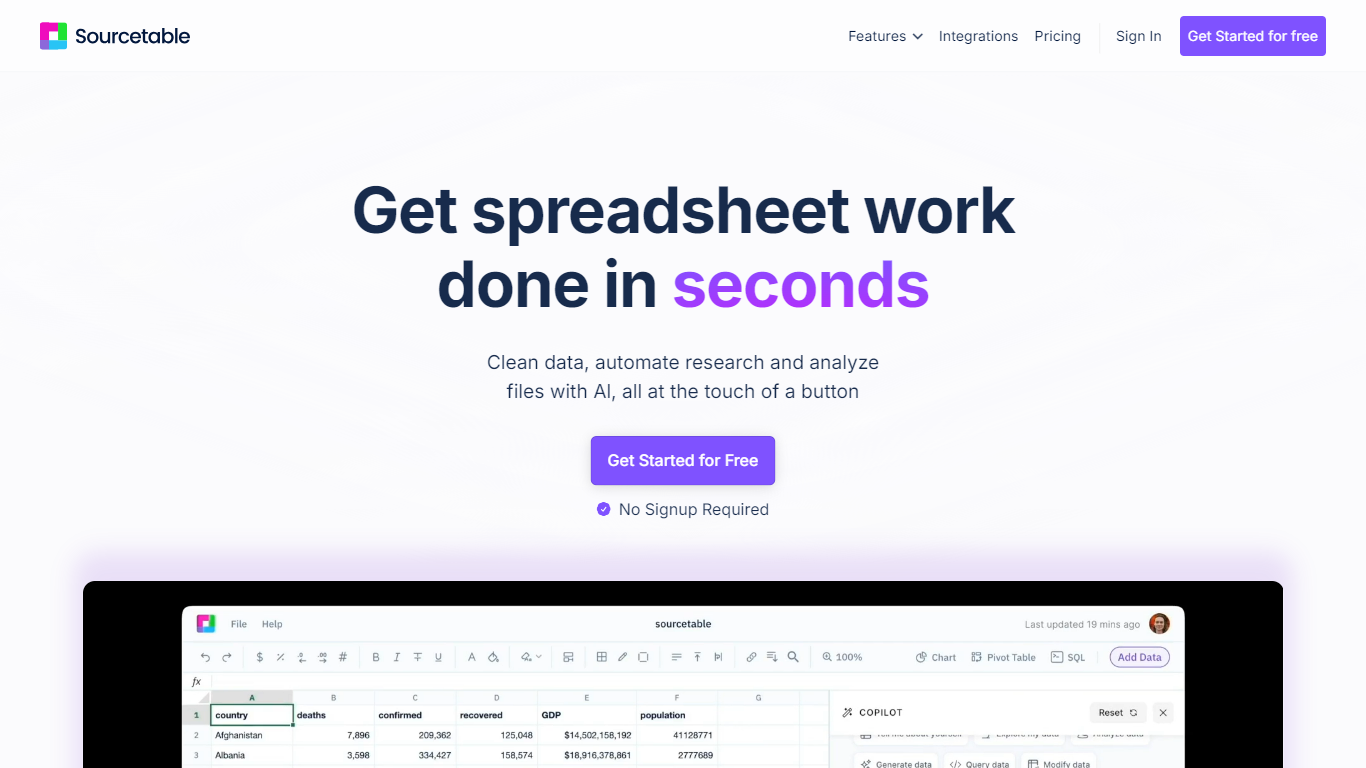
Sourcetable is a cloud spreadsheet built for data analysis and data science. You get a familiar Excel-style grid where you can upload CSVs, connect live databases like Postgres and BigQuery, and query SaaS tools like Stripe, GA4, and Notion without exporting files. Ask questions in plain English or write Python and SQL directly in the workbook to generate charts, summaries, and reports.
Most spreadsheet AI tools work on static uploads you refresh by hand. Sourcetable pulls analysis against live connector data, so a revenue question hits your current Stripe or warehouse tables, not last week's export. It also bundles Quant, a stock market analyst with 500+ financial data APIs and brokerage connections, which puts market research in the same product as operational spreadsheet work.
Analysts, finance teams, founders, and marketers use it for financial modeling, campaign attribution, pipeline reporting, and ad hoc queries without waiting on engineering. Researchers can process experimental datasets up to 10GB, and students get a 50% discount on paid plans.
Regular plan includes 50 AI credits per user that reset monthly at no cost
Connect live to Postgres, BigQuery, GA4, Stripe, Supabase, and 100+ data sources
Pro plan at $29 per user per month includes 2,000 monthly AI credits
Upload and analyze spreadsheet files up to 10GB with pivots and dashboards
Run Python, SQL, and Excel formulas in one workbook without switching tools
Quant module connects 500+ financial data APIs for stock and portfolio analysis
Live data connectors to Postgres, BigQuery, GA4, and Stripe cut out manual exports
Python, SQL, and Excel formulas coexist in one workbook
Free Regular tier with 50 monthly AI credits and no credit card required
Handles files up to 10GB, well beyond typical spreadsheet row limits
SOC 2 Type 2, HIPAA, and PCI compliance for regulated teams
AI features are credit-limited; Pro costs $29 per user per month for 2,000 credits
Unlimited connectors and highest model tier require the $100 per user per month Max plan
Per-user pricing adds up quickly for larger teams
Is Sourcetable free to use?
Yes. Sourcetable's Regular plan is free per user with 50 AI credits that reset monthly. Paid Pro ($29 per user per month) and Max ($100 per user per month) plans add more credits, premium models, and expanded connector access.
What data sources does Sourcetable support?
Sourcetable connects to databases like PostgreSQL, MySQL, BigQuery, ClickHouse, and DuckDB, plus tools like Google Analytics 4, Google Ads, Stripe, and Supabase. It also accepts spreadsheet uploads (.xls, .xlsx, .csv), TSV, PDF, and JSON files.
Can I use Python in Sourcetable?
Yes. Sourcetable includes a Python toolkit with Pandas, NumPy, SciPy, Scikit-learn, Matplotlib, and Plotly. You can write code in the SQL and Python editor or ask Sourcetable's AI to generate it for you.
What is the maximum file size Sourcetable supports?
Sourcetable supports uploaded files up to 10GB. For very large datasets, pivots and summaries help Sourcetable's AI perform better during analysis.
Does Sourcetable offer a student discount?
Students and faculty receive a 50% discount on Sourcetable's Pro and Max plans. Email [email protected] with your university email to claim the education discount.
How secure is Sourcetable for enterprise teams?
Sourcetable meets SOC 2 Type 2, HIPAA, and PCI compliance standards. Enterprise plans add private user keys, encryption at rest, and escrow KMS for cloud or on-premises deployment.
Can Sourcetable analyze spreadsheets with multiple tabs?
Yes. Sourcetable's AI identifies which worksheet tab your question refers to, including cross-tab lookups. You can also name specific tabs in your prompts for more control.