
Last updated 07-28-2026
Category:
Reviews:
Join thousands of AI enthusiasts in the World of AI!
CX Assist
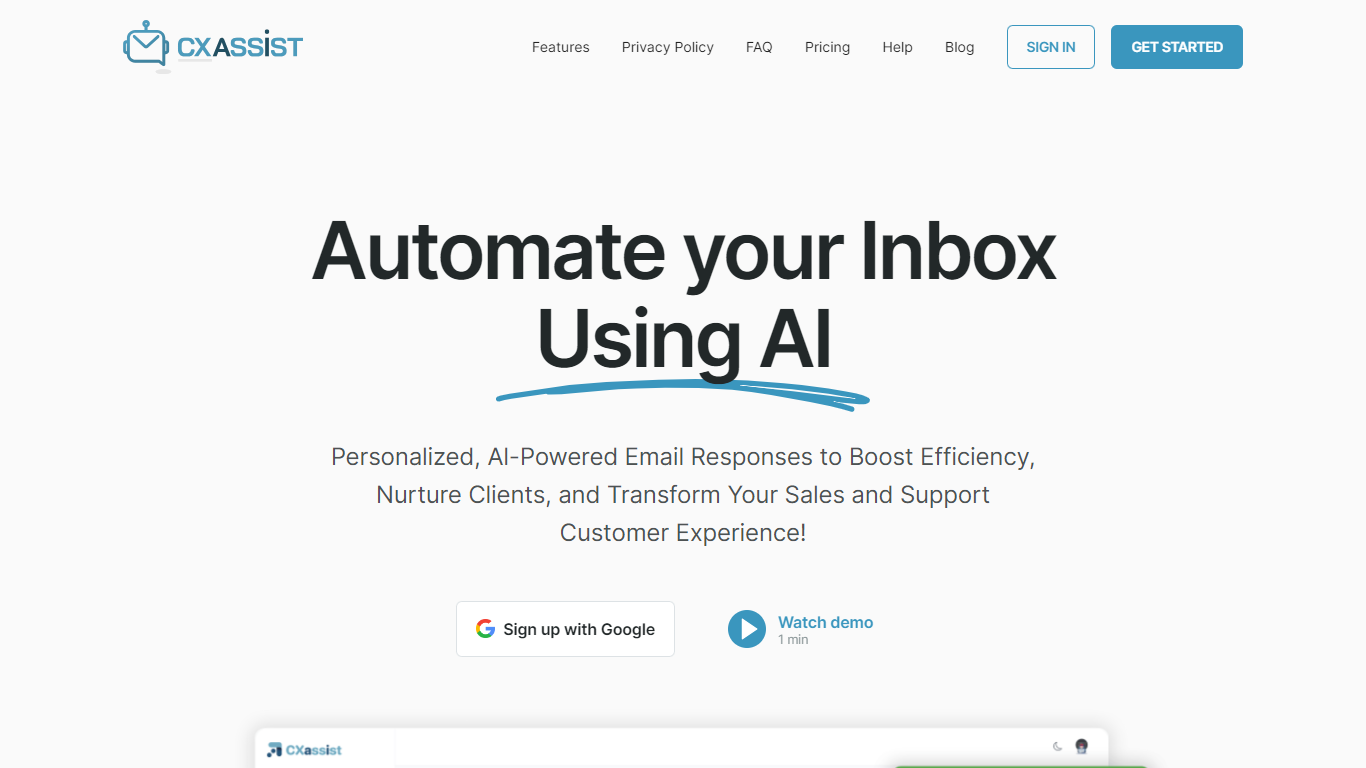
CX Assist plugs into Gmail and Microsoft Outlook to draft and send customer-facing email replies in your voice. You connect a mailbox with OAuth, train the system on your tone and policies, and it organizes threads before you review or send anything.
Most email assistants stop at generating copy in a separate editor. CX Assist works inside your inbox with smart labels (Priority, Support, FYI, Spam), a live queue that tracks Pending, Drafted, and Sent states, and Pro-plan sidebar context from Slack, HubSpot, Stripe, and Shopify while you compose.
Sales reps, support teams, freelancers, and agencies use it to clear routine replies faster without losing brand voice. The Starter plan handles 500 processed emails per month in draft-only mode, while Pro adds auto-send, unlimited personas, webhooks, and translation across 100+ languages.
Google and Microsoft OAuth keeps credentials with your provider, and CX Assist states it does not train shared models on your mail. A 14-day trial covers 150 processed emails before you choose a monthly plan.
14-day trial processes up to 150 emails with draft-mode replies for one Gmail or Outlook inbox
Starter plan is $9.99 per month for 500 processed emails and one custom persona
Pro plan includes 3,000 emails per month, auto-send, and Slack, HubSpot, Stripe, and Shopify integrations
AI labels incoming mail as Priority, Support, FYI, or Spam before you open the thread
Email queue tracks Pending, Drafted, and Sent status with live monthly usage counters
Train personas from text, files, or URLs on Pro, with Magic Rewrite for tone adjustments
Pro and Scale plans include translation for emails and snippets in 100+ languages
OAuth-only Gmail and Outlook connection means CX Assist never sees your mailbox password.
Draft mode is the default on trial and Starter, so replies wait for review before sending.
Custom personas let agencies answer in each client's brand voice from one dashboard.
Pro sidebar pulls customer context from Slack, HubSpot, Stripe, and Shopify while drafting.
Privacy policy states mail data is not sold or used to train shared AI models.
Auto-send is limited to Pro and Scale plans, not Starter or the free trial.
Slack, HubSpot, Stripe, Shopify, and webhook integrations require Pro or Scale.
Free trial caps at 150 processed emails lifetime with only a general persona.
No dedicated mobile app; the product runs in a web dashboard.
Is CX Assist free to try?
Yes. CX Assist offers a 14-day free trial with no credit card required. The trial includes up to 150 processed emails, one inbox connection, draft-mode replies, and a general persona. After the trial you choose Starter at $9.99 per month or Pro at $24.99 per month.
Which email providers does CX Assist support?
CX Assist connects to Gmail and Microsoft Outlook through OAuth. Setup is advertised as under 60 seconds with one-click connect flows for both providers. Pro and Scale plans support two inboxes, such as Gmail plus Instantly or IMAP plus Instantly.
Will CX Assist send emails without my approval?
Not by default. CX Assist uses draft mode on Free Trial and Starter plans, so every reply waits for your review. On the Pro plan you can enable auto-send for specific labels or personas while keeping draft mode on everything else.
What integrations does CX Assist include?
On Pro and Scale, CX Assist connects to Slack, HubSpot, Stripe, Shopify, and Instantly, plus outgoing webhooks for Zapier or Make. Starter and trial plans do not include integrations or webhooks.
How many emails can CX Assist process each month?
CX Assist Starter includes 500 processed emails per month, Pro includes 3,000, and Scale starts at 25,000 across five included inboxes. The free trial caps lifetime processing at 150 emails.
How does CX Assist keep business email secure?
CX Assist uses OAuth only and encrypts data in transit with TLS 1.2+ and at rest with AES-256. Its privacy policy states Gmail data is not sold, used for ads, or used to train shared AI models, and the company is ICO registered as ZC192829.
Can CX Assist translate email replies?
Yes, on Pro and Scale plans CX Assist offers automatic translation for emails and snippets in more than 100 languages. Translation is not listed on the Starter plan or free trial.